How to Write Meta Descriptions That Earn the Click
How Google uses meta descriptions, how long they should be, a simple formula with examples for each page type, and how to set, audit and measure them in WordPress.
 Keyur
10 min read
On this page
To write a meta description that earns the click, summarise what the page gives the searcher in one or two plain sentences, use the words they searched for naturally, add one concrete reason to choose your result, and keep it to roughly 120–155 characters so the key message is visible. Make it unique to the page and true to its content. A meta description does not improve rankings directly, and Google may show other text instead, but when it is used, it is often the deciding factor between your result and the one next to it.
This guide explains how Google uses meta descriptions, how long they should be, a simple formula with examples for different page types, how to set them in WordPress with Yoast SEO, how to audit them across a site and how to measure whether a new description works.
What a meta description does (and does not do)
The meta description is an HTML tag in the page's <head>:
<meta name="description" content="Set up 301 redirects in WordPress without a plugin. Copy tested rules for Apache and Nginx, then check every redirect with a free tool.">According to Google Search Central, snippets are primarily created from the page content itself, but Google may use the meta description when it gives a more accurate description of the page than the content alone. Snippets also adapt to the search: one page can show different snippets for different queries. In practice:
- For searches about the page's main topic, a good description is often shown.
- For long-tail or very specific searches, Google often shows a passage from the page that matches the query better.
- It is not a ranking factor. Its value is in persuading people to click.
That means a description's job is not to cover every possible query. It is to make the strongest case for the page's main purpose.
<h2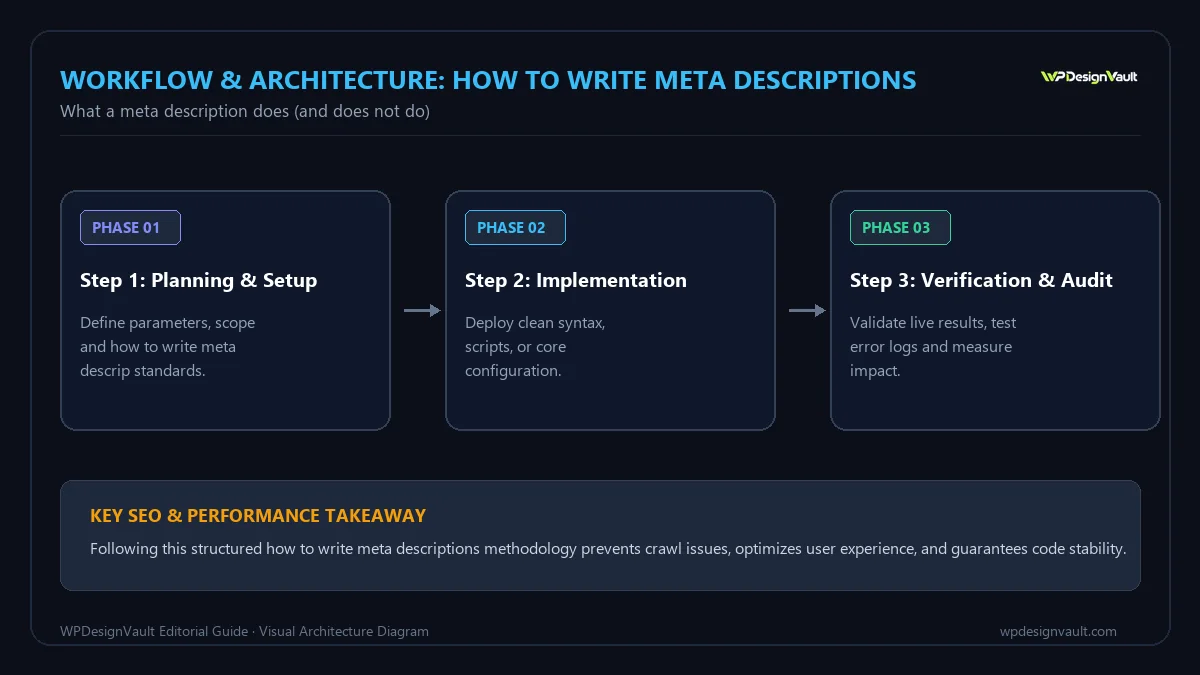
How long should a meta description be?
Google sets no length limit for the tag, but displayed snippets are truncated as needed, typically to fit the device width. Like titles, the cut-off depends on pixel width rather than character count. As a working target:
- Aim for about 120–155 characters for most pages.
- Put the essential message in the first 100 or so characters, so it survives truncation, especially on mobile.
- Check the rendered width when a description is near the limit.
The difference between characters and width is large. Measured with an Arial-compatible font at 14px, 155 letter "i"s take about 482 pixels while 155 capital "W"s take over 2,000 pixels. Ordinary sentences of 130–140 characters typically come out around 830–920 pixels. The Meta Description Checker estimates pixel width against references of about 920px on desktop and 680px on mobile, and shows a preview. Treat these as approximations: Google does not publish exact limits and its layout changes.
A simple formula
Most effective descriptions follow the same pattern:
- Answer or offer: what the page does for the searcher, using the words they are likely to search.
- Proof or specifics: what makes it concrete: steps, examples, a price, a location, a format.
- Reason to choose it: free, tested, updated, local, no sign-up, and so on, but only if true.
Google's own guidance supports this: it recommends including relevant, specific information, such as author, date, price or other details that matter for the page, and avoiding lists of keywords.
<h2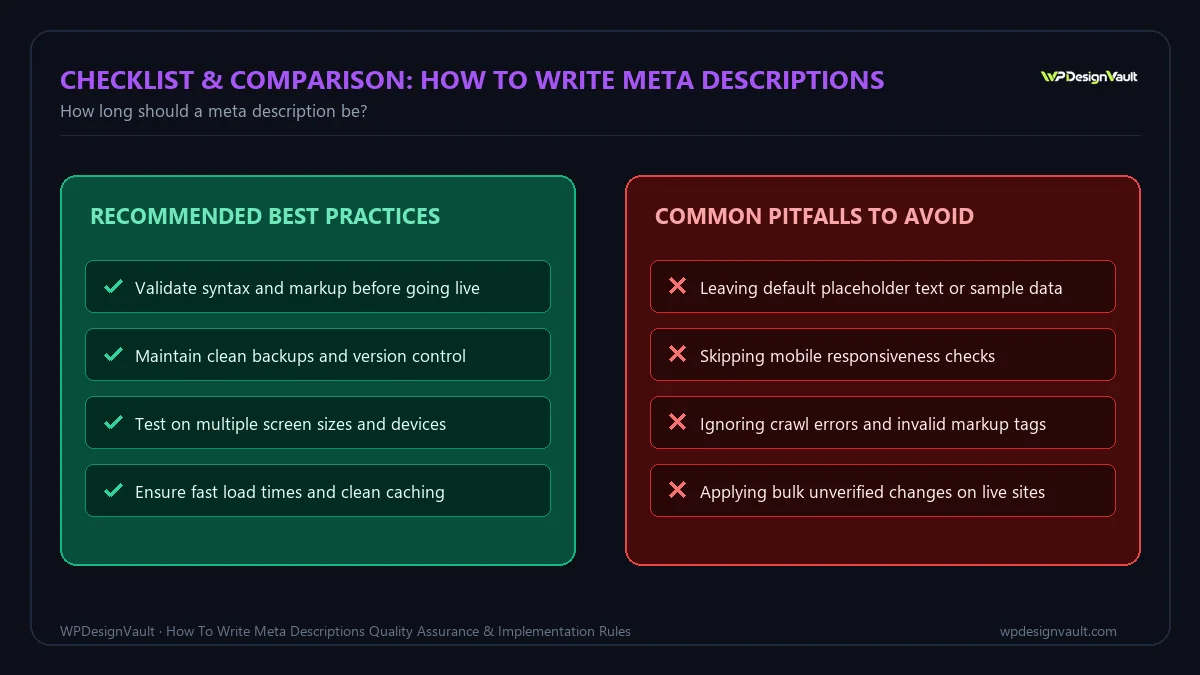
Examples by page type
The following are illustrative examples. Widths were measured with an Arial-compatible font at 14px.
Table: Meta description examples by page type
| Page type | Description | Characters | Approx. width |
|---|---|---|---|
| How-to guide | Set up 301 redirects in WordPress without a plugin. Copy tested rules for Apache and Nginx, then check every redirect with a free tool. | 135 | 831px |
| Free tool | Free px to rem converter with a custom base size. Convert single values or a whole stylesheet in your browser, with nothing uploaded. | 133 | 829px |
| Local service | Book a free 30-minute call with a WordPress developer in Leeds. Fixed-price maintenance plans from small business sites to WooCommerce shops. | 141 | 918px |
| Weak: generic | Welcome to our website. We offer the best services. Contact us today for more information about our services and products and prices. | 133 | 835px |
| Weak: keyword list | SEO, SEO tools, free SEO tools, best SEO tools, SEO checker, SEO audit, SEO analysis, website SEO, SEO software, SEO tips, SEO guide 2026. | 138 | 914px |
The two weak examples are about the same length as the good ones, which shows that length is not the problem. The generic one says nothing specific, and the keyword list is exactly what Google advises against; descriptions like these are less likely to be shown at all.
Guidance for each page type
- Guides and articles: state the question answered and the format (step by step, with examples, checklist).
- Tools: say what the tool does, that it is free if it is, and one differentiator, such as privacy or batch processing.
- Products: name the product, key specifications and price or availability where accurate.
- Services: the service, location if relevant, a proof point and the next step.
- Category and archive pages: what range is covered and how to choose within it.
- Home page: what the site is and who it is for. Google recommends a site-level description for the home page.
Write for the searcher's intent
The same page can attract people at different stages. Look at the queries that bring visitors in Search Console and match the description to the dominant one:
- "How to…" searches want reassurance that the steps are clear and complete.
- "Best…" or "vs" searches want to know the criteria and that the comparison is fair.
- "Free…" or "online…" searches want to know there is no catch.
- Local searches want location, availability and how to contact you.
Write the title and description together: the meta title states the topic; the description expands on the benefit. Avoid repeating the title word for word. Preview both together with the SERP Snippet Preview.
Setting meta descriptions in WordPress
WordPress core does not output a meta description tag. An SEO plugin (or, less commonly, the theme) adds it. With Yoast SEO:
Per page
- Open the post or page in the editor.
- In the Yoast SEO panel, find the Meta description field under the Google preview.
- Type the description. Yoast shows a length indicator and updates the preview as you type.
- Update or publish the page.
Site-wide templates
In Yoast's settings, each content type can have a meta description template built from snippet variables, such as the excerpt. Templates are a safety net for pages nobody writes a description for, but hand-written descriptions are better for important pages. If you use the excerpt as a fallback, write excerpts that work as summaries.
Avoid duplicates
If both your theme and an SEO plugin output a description, the page can end up with two tags. Use the Meta Tags Extractor to see every meta tag a page actually outputs; it flags missing and duplicated descriptions. Keep only one source, normally the SEO plugin.
Auditing descriptions across a site
- Collect the URLs of your most important pages, for example from your sitemap.
- Run them through the Bulk Meta Description Checker, which checks up to 50 URLs per run and flags missing, duplicate and multiple descriptions and those outside roughly 70–160 characters.
- Export the results and prioritise: missing descriptions on key pages, then duplicates, then length problems.
- Rewrite in batches, starting with pages that have the most impressions in Search Console.
Controlling snippets
Google documents three controls if you need to limit what appears:
<meta name="robots" content="nosnippet">stops a text snippet from being shown.max-snippet:[number]in the robots meta tag limits the snippet to a number of characters.- The
data-nosnippetattribute on an HTML element keeps that part of the page out of snippets.
Use them sparingly. Removing or shortening snippets usually makes results less attractive, not more.
Measuring whether a new description works
- Record the old description and the date you change it.
- Wait until the new description appears in Google for the page's main query; this depends on recrawling.
- In Search Console, compare clicks, impressions, CTR and average position for the page over equal periods before and after.
- Only compare queries whose average position stayed similar, otherwise you are measuring ranking changes rather than the snippet.
For a quick calculation of CTR from clicks and impressions, use the CTR Calculator. Small pages need several weeks of data before a change is meaningful.
Common mistakes
- The same description on many pages, which Google explicitly says is not helpful.
- Keyword lists instead of sentences.
- Promising what the page does not deliver, which wastes the click and disappoints visitors.
- Burying the point after a long introduction, so it is cut off on mobile.
- Leaving key pages to automatic snippets or generic templates.
- Two description tags from a theme and a plugin.
- Stale details such as last year's date or an old price.
Troubleshooting
Table: Meta description problems: symptoms, likely causes and fixes
| Symptom | Likely cause | Fix |
|---|---|---|
| Google shows different text | Google judged page text more relevant for that query | Expected for many queries; make sure the description matches the main query and the page's purpose |
| Description cut off mid-sentence | Too wide for the result area | Shorten, or move the key point earlier; check pixel width |
| Change not visible in Google | Page not recrawled yet, or Google is choosing page text | Check the live HTML first; wait; inspect the URL in Search Console |
| Page has two description tags | Theme and SEO plugin both output one | Disable one source; confirm with a meta tag extractor |
| Description shows odd characters | Special characters copied from a word processor | Retype in plain text; avoid smart quotes and symbols |
Frequently asked questions
Do meta descriptions affect rankings?
No. Google does not use the meta description as a ranking factor. It matters because it can be shown as the snippet under your result, which influences whether people click.
What is the ideal meta description length?
There is no fixed limit, but about 120–155 characters works well for most pages, with the key message in the first 100 characters. Because the cut-off is based on pixel width, check borderline descriptions with a preview tool.
Why does Google ignore my meta description?
Google creates snippets mainly from page content and uses your description when it judges it more accurate for the query. For queries that differ from the page's main topic, it often shows a matching passage instead. A clear, specific, accurate description is most likely to be used for core queries.
Should every page have a meta description?
Every important page should have a unique, hand-written one. For large sites with thousands of similar pages, Google says programmatically generated descriptions are fine, as long as they are readable and varied. Avoid identical descriptions across pages.
Should I include my keyword in the meta description?
Yes, once and naturally, because searchers scan for their words. Do not repeat it or list variations; Google advises against keyword lists, and they put people off.
Can I use emoji or special characters?
You can, but they take up space, may not be displayed, and rarely improve clarity. Use them only where they genuinely help, and check how they appear in a preview.
What happens if I leave the meta description empty?
Google generates a snippet from your page content, which can work well for some queries. For your most important pages, a written description gives you more control over how the page is presented.
How often should I update meta descriptions?
When the page content changes, when details such as prices or dates go out of date, or when Search Console shows a page with many impressions and a low CTR for its position. There is no need to rewrite descriptions that are working.
Do social networks use the meta description?
Many use the Open Graph description (og:description) when it is present, and fall back to the meta description otherwise. Yoast lets you set a separate social description if you want different wording for shares.
Is the excerpt the same as the meta description?
Not necessarily. The excerpt is a WordPress summary used by themes in archive lists; the meta description is an HTML tag for search engines. Some setups use the excerpt as a fallback description, so write excerpts that work as summaries.
Next step
Run your top 50 URLs through the Bulk Meta Description Checker, rewrite the missing and duplicate descriptions first, and preview each one before publishing. For more on titles, headings and URLs, browse our SEO guides.
Related free tools for this topic
Meta Description Checker
Check meta description length in characters and estimated pixels for desktop and mobile results, with a live preview.
Website Word Counter: Count Words on a Web Page
Count the visible words on any web page and see its most frequent terms, without copying and pasting…
HTTP Headers Checker
View the HTTP response headers of any URL and check caching, compression and common security headers such as…
Redirect Checker: Trace Redirect Chains
Trace every redirect from a URL to its final destination, with the status code (301, 302, 307, 308)…
HTTP Status Code Checker
Check the HTTP status code a URL returns (200, 301, 404, 500…), how long it took and where…
Link Extractor: Internal & External Links
List every link on a page with its anchor text, internal or external type and rel attributes such…
Related resources

SaaS hero with dashboard preview
Two-column hero: headline, supporting text, two buttons and a trust line beside a visual panel. Stacks to one…
Centred SaaS hero with product window
Centred hero with a large headline, supporting text and two buttons, with optional highlights and a product window…
Dark studio hero with service highlights
Centred hero with a large headline, supporting text and two buttons, with optional highlights and a product window…
More guides
How Long Should a Meta Title Be? Pixels vs Characters Explained
"Keep it under 60 characters" is only half right. Google cuts titles by pixel width, not character count. Learn how to write…

Robots.txt for WordPress: A Safe Starter File, Line by Line
A safe robots.txt starter file for WordPress, explained line by line and tested with Google's open-source parser, plus the rules you should…

What Is Schema Markup? A Plain-English Guide with JSON-LD Examples
Schema markup explained in plain English, with validated JSON-LD examples, the types worth adding, what Google retired in 2025–2026 and how to…
Comments