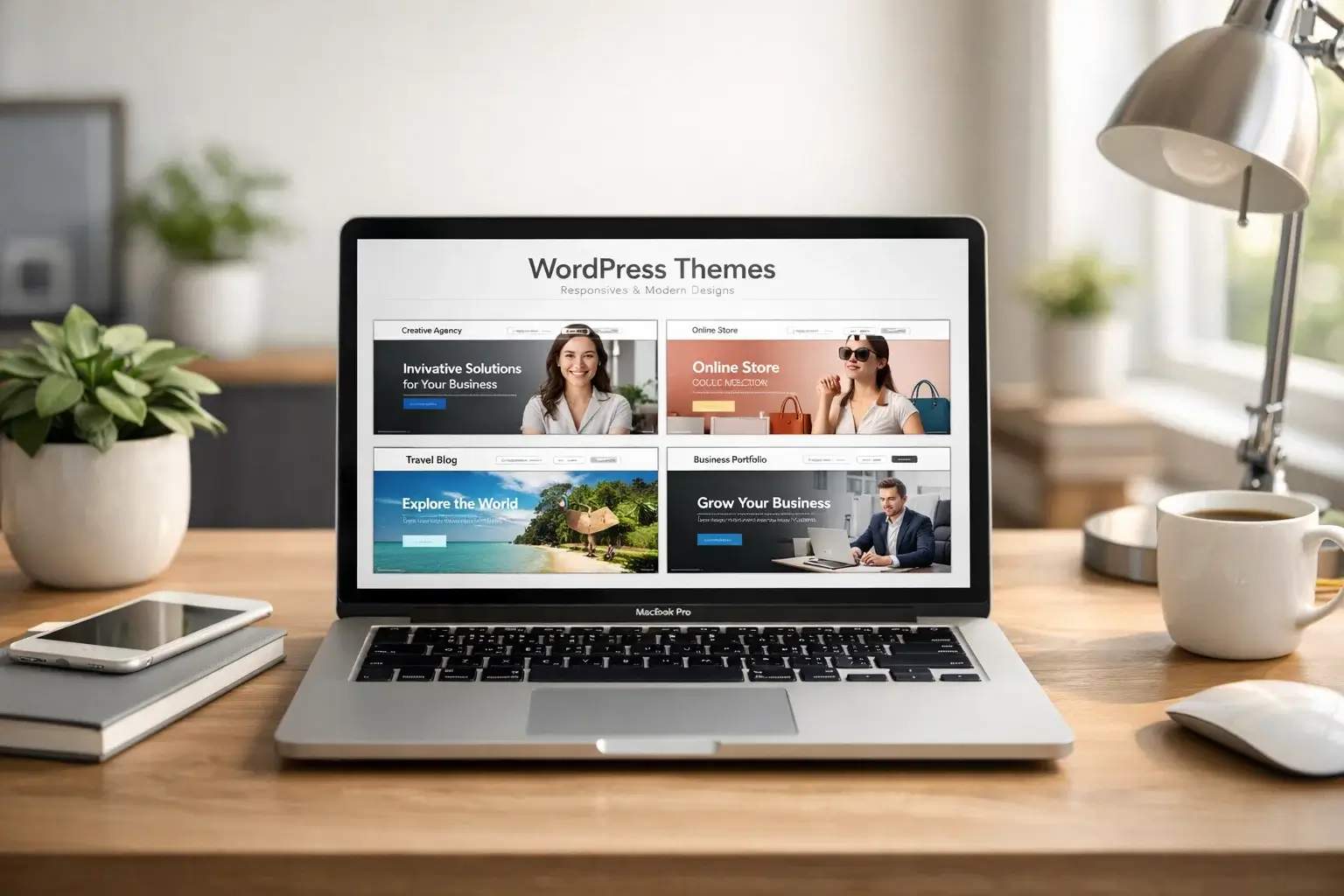

Why Your Theme Choice Matters More Than Ever in 2026
Picking the wrong WordPress theme used to mean a website that looked a bit off. In 2026, it can mean your site loads in four seconds instead of one, fails Core Web Vitals tests, or gets outranked by competitors running leaner, faster setups. The stakes are real.
The good news is the WordPress theme ecosystem has never been better. Designers have access to block themes built for Full Site Editing, AI-ready frameworks that connect with tools like Kadence’s AI site builder, and lightweight options that score well on Google PageSpeed by default. Knowing what to look for is half the battle.
In this guide, we’ve tested and handpicked the themes that actually deliver in 2026 – not just in screenshots, but in real-world speed tests, SEO performance, and design flexibility. Whether you’re building a personal blog, a business site, or a full WooCommerce store, there’s a theme in this list for you.
What Makes a Great WordPress Theme in 2026
Not every theme that looks beautiful is actually worth using. Here are the criteria that separate genuinely good themes from flashy ones that drag your site down:
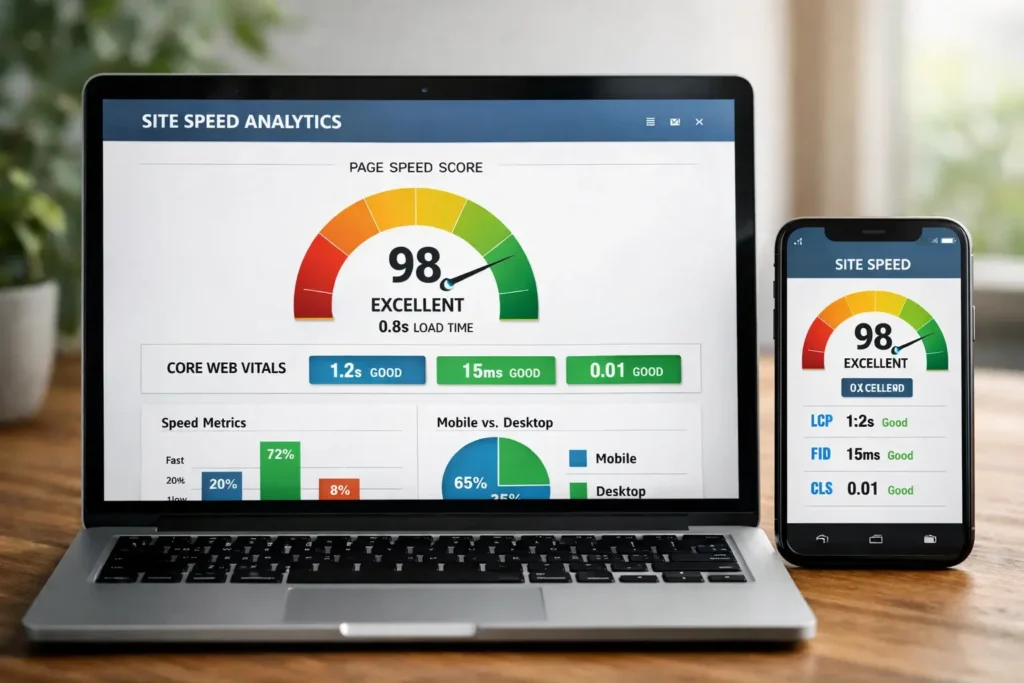
- Core Web Vitals performance – LCP under 2.5 seconds, minimal CLS, fast interaction response
- Block theme / FSE compatibility – themes built for WordPress’s Full Site Editor are the future
- Mobile-first design – over 60% of web traffic is mobile; responsive isn’t optional
- Minimal plugin dependencies – good themes don’t require you to install 10 extras to work
- Regular updates – themes maintained actively against each new WordPress release stay secure
- WooCommerce compatibility – if ecommerce is even a possibility, verify this upfront
Top 12 Best WordPress Themes in 2026
1. Astra – Best Overall
Astra has been a favourite for years, and in 2026 it still earns its spot at the top. It loads in under a second on a clean install, works beautifully with every major page builder, and its Starter Templates library now includes AI-generated site demos. The free version is generous; the pro adds white-label capabilities, advanced header and footer builders, and WooCommerce customisation that goes deep without requiring extra plugins.
Best for: bloggers, agencies, small business sites. Pricing: Free, Pro from $47/year.
2. Kadence – Best for AI-Powered Site Building
Kadence has invested heavily in AI features, and it shows. The theme now includes an AI starter template builder where you describe your business, pick your colours, and get a fully built site in minutes. The underlying code is lightweight and performance-focused, and the Global Colour Palette system means you can rebrand an entire site by changing one setting. It’s become a top pick for freelancers who need to spin up client sites quickly.
Best for: freelancers, agencies, AI-assisted builds. Pricing: Free, Pro from $79/year.
3. GeneratePress – Best for Speed
If raw speed is your priority, GeneratePress consistently beats the competition. It ships as about 30KB of CSS with no jQuery dependency, and a clean install scores near-perfect on PageSpeed. The design is minimal by default, which means you add only what you need. The Site Library in GeneratePress Premium gives you access to hundreds of demo sites built with Gutenberg or page builders.
Best for: speed-obsessed developers, SEO-focused sites. Pricing: Free, Premium at $59/year.
4. Blocksy – Best Free Block Theme
Blocksy is the most impressive free block theme available right now. It comes with genuine design polish, a comprehensive Header Builder, WooCommerce support that rivals paid themes, and a Pro upgrade that adds features like Content Blocks and mega menus. If you’re starting out and don’t want to pay for a theme yet, Blocksy is where to start.
Best for: bloggers, WooCommerce stores, value seekers. Pricing: Free, Pro from $49/year.
5. Divi – Best for Visual Drag-and-Drop
Divi continues to be the go-to choice for designers who want complete visual control without touching code. The 2026 version includes Divi AI built in – a writing assistant, image generator, and design suggester that works right inside the visual builder. Elegant Themes’ pricing model (one fee for unlimited sites) makes it especially attractive for agencies.
Best for: designers, agencies, non-coders. Pricing: $89/year or $249 lifetime.
6. OceanWP – Best Free WooCommerce Theme
OceanWP has a dedicated following in the ecommerce space because it handles WooCommerce better than almost any free theme around. The design is clean and neutral enough to suit any brand, and the Ocean Extra plugin adds useful extensions for free. It pairs excellently with Elementor if you want a more visual editing experience.
Best for: WooCommerce stores on a budget. Pricing: Free, Core from $54/year.
7. Hello Elementor – Best Starter Theme for Elementor Users
If you’re committed to Elementor as your page builder, Hello Elementor is the theme Elementor themselves built to go with it. It’s stripped down to almost nothing by design – no conflicting styles, no unnecessary scripts – so Elementor has a completely clean canvas. Scores are excellent on PageSpeed when paired with a lightweight Elementor setup.
Best for: Elementor users. Pricing: Free.
8. SeedProd – Best for Landing Pages
SeedProd crosses the line between theme and landing page builder. The 2026 version ships with a theme builder that lets you design every part of your site visually, plus a library of 300+ conversion-optimised templates. It works separately from your main theme for dedicated landing pages or as a complete theme replacement.
Best for: marketers, lead generation sites. Pricing: From $39.50/year.
9. Twenty Twenty-Five – Best Default Theme
WordPress’s official default theme for 2025/2026 is genuinely impressive. It’s a full block theme with beautiful typography, a curated palette system, and thoughtful patterns. It’s not the most feature-rich option, but it’s the most tightly integrated with WordPress core, and that means it will continue receiving updates for years.
Best for: minimalists, content-focused bloggers. Pricing: Free.
10. Flatsome – Best for Ecommerce Stores
Flatsome consistently ranks as the best-selling WooCommerce theme on ThemeForest. Its built-in UX Builder gives you visual control over shop pages, product pages, and checkout – areas where most themes leave you wanting more. The Live Builder makes changes feel instant, and the one-time pricing model makes it budget-friendly long term.
Best for: serious WooCommerce stores. Pricing: $59 one-time on ThemeForest.
11. Neve – Best Lightweight Multipurpose Theme
Neve is a lightweight, fast theme from ThemeIsle that performs consistently well on Core Web Vitals. It works with every major page builder, has a solid free version, and the Pro adds an ecommerce booster for WooCommerce and a blog layout library. Good all-rounder for anyone who doesn’t need a niche-specific theme.
Best for: bloggers, small businesses, multipurpose sites. Pricing: Free, Pro from $69/year.
12. Bricks Builder – Best for Advanced Developers
Bricks sits at the intersection of theme and full site builder. It generates clean, semantic HTML, gives developers code access at every level, and produces sites that are genuinely fast. The learning curve is steeper than a traditional theme, but the output quality is among the highest available. In 2026 it has a dedicated following among developers who want total control.
Best for: developers, agencies. Pricing: $79/year or $299 lifetime.

Quick Comparison Table: Best WordPress Themes
| Theme | Best For | Free Version | Starting Price | FSE Ready |
| Astra | Overall | Yes | $47/year | Yes |
| Kadence | AI Site Building | Yes | $79/year | Yes |
| GeneratePress | Speed | Yes | $59/year | Partial |
| Blocksy | Free Block Theme | Yes | $49/year | Yes |
| Divi | Drag-and-Drop | No | $89/year | No |
| OceanWP | WooCommerce | Yes | $54/year | Partial |
| Hello Elementor | Elementor Users | Yes | Free | No |
| SeedProd | Landing Pages | Partial | $39.50/year | Yes |
| Twenty Twenty-Five | Minimalists | Yes | Free | Yes |
| Flatsome | Ecommerce | No | $59 one-time | No |
| Neve | Multipurpose | Yes | $69/year | Partial |
| Bricks | Developers | No | $79/year | Yes |
Free vs Paid: What Should You Choose
The honest answer is: it depends on what you’re building and where you want to take it.
Free themes are perfectly capable for personal blogs, small portfolios, and simple business sites. Themes like Blocksy, Astra (free), and Twenty Twenty-Five give you a solid foundation without spending a penny. The limitations show up when you need advanced header layouts, WooCommerce customisation beyond the basics, or dedicated support when something breaks.
Paid themes are worth it if you’re building a client site, running an online store, or need features that would otherwise require additional plugins. The support alone often justifies the cost – knowing you can submit a ticket when something goes wrong is valuable.
One practical approach: start with a free theme if you’re just launching, and upgrade when you hit a specific limitation. Most paid themes have free versions that make the upgrade path easy.
How to Install a WordPress Theme
Installing a theme takes about two minutes. Here’s how to do it through the WordPress dashboard:
- Go to Appearance > Themes in your dashboard
- Click Add New to search the WordPress theme directory, or click Upload Theme to install a .zip file from a premium theme provider
- Once installed, click Activate to make it your active theme
- If the theme includes a setup wizard, run it – it’ll configure basic options and import demo content
- Check your site on mobile and run a quick PageSpeed test before you start customising
Common Theme Mistakes to Avoid
| Mistake | What Happens | Better Approach |
| Choosing based on looks only | Slow load times, plugin conflicts | Check PageSpeed score on demo site |
| Switching themes often | Layout breaks, content reformatting | Research thoroughly before committing |
| Using an abandoned theme | Security holes, WP compatibility issues | Check last update date and active installs |
| Installing 10 plugins to fill gaps | Performance drag | Pick a theme that includes what you need |
| Ignoring mobile preview | Poor UX for 60%+ of visitors | Always check mobile before launch |
Final Verdict
For most people building a new WordPress site in 2026, Astra or Kadence is the safest starting point – they’re fast, flexible, well-supported, and have strong free versions. If speed is your absolute top priority, GeneratePress is hard to beat. Ecommerce sites should look hard at Flatsome or OceanWP.
Whatever you choose, make sure it’s actively maintained, compatible with your version of WordPress, and tested on mobile before you go live. A great theme should feel invisible – it gets out of the way and lets your content do the work.
Frequently Asked Questions (FAQs)
Which WordPress theme is best for beginners?
Astra and Kadence are the most beginner-friendly options. Both have free versions, extensive documentation, and large communities. Kadence’s AI setup wizard is particularly helpful for people who aren’t sure where to start with design.
Can I change my WordPress theme after my site is live?
Yes, you can switch themes at any time. However, be aware that some content and formatting that depends on your current theme – like custom page builders or shortcodes – may need to be reconfigured. Always test a new theme on a staging site before switching on a live site.
Are free WordPress themes safe to use?
Free themes from the official WordPress.org repository are generally safe – they go through a manual review process. Free themes from unknown third-party sites carry more risk. Stick to themes with high install counts, recent updates, and good reviews.
How much should I spend on a WordPress theme?
Premium themes typically cost between $39 and $89 per year, or a one-time fee of $49 to $299. For most personal or small business sites, a quality free theme is completely adequate. If you’re building a client site or need advanced ecommerce features, a premium theme pays for itself quickly in saved development time.
What is a block theme in WordPress?
A block theme is a WordPress theme built specifically for the Full Site Editor (FSE). Instead of traditional PHP templates, block themes use HTML block markup. This lets you edit your header, footer, template parts, and page layouts visually in the Site Editor, without touching any code. Most new premium themes released in 2026 are block themes or support FSE features.
Does my WordPress theme affect SEO?
Your theme has a significant impact on SEO, primarily through page speed and Core Web Vitals. A slow, heavy theme can hurt your rankings even if your content is excellent. Lightweight themes like GeneratePress and Astra give you a speed advantage from day one. Beyond speed, a good theme also produces semantic HTML and proper heading structures that help search engines understand your content.
