Free
Contact
Dark contact band with socials
Slim contact band with email and phone beside social icons. Styled for a agency website in a dark…

Contact details list beside a dark booking card with a button. Styled for a law firm website in a tint colour scheme.
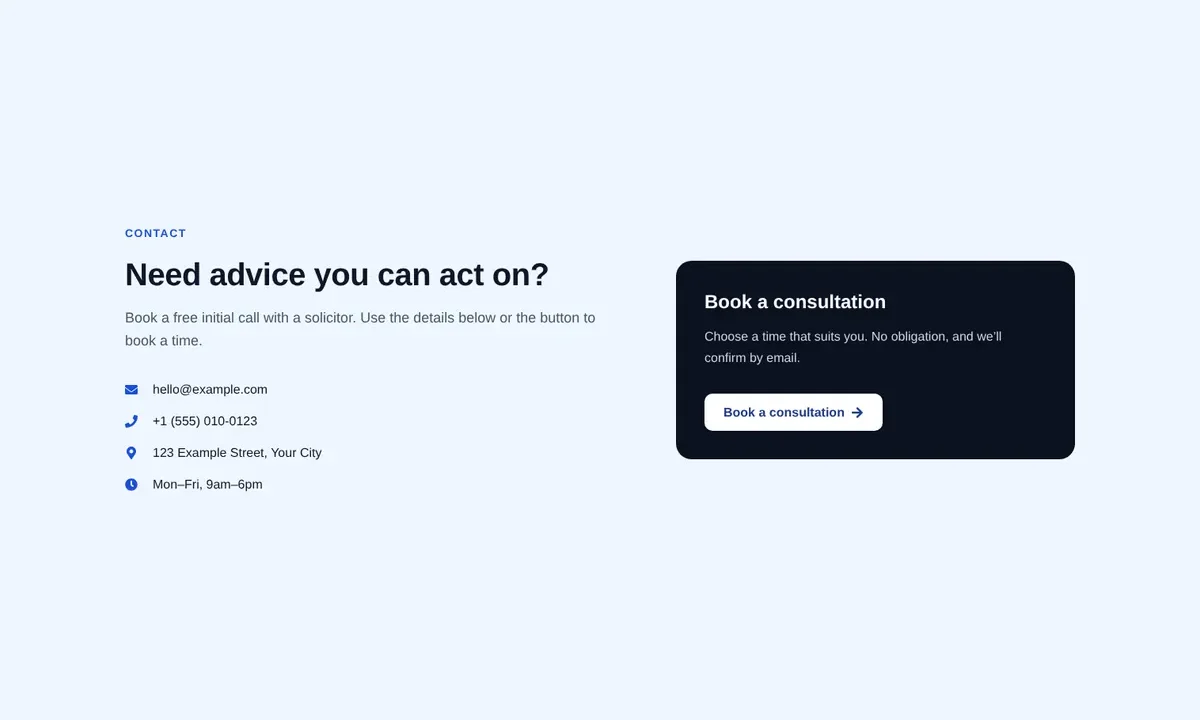
Contact details list beside a dark booking card with a button. Styled for a law firm website in a tint colour scheme.
6 containers and these free Elementor widgets: heading (3), text-editor (2), icon-list (1), button (1). No Elementor Pro, add-ons, images or external files are required; fonts are inherited from your theme.
Built with flexbox and grid containers. Multi-column rows stack on tablets or phones, grids drop to two columns on tablets and one on phones, and heading sizes scale down at each breakpoint. Tested at 1440px, 820px and 390px wide.
Slim contact band with email and phone beside social icons. Styled for a agency website in a dark…
Slim contact band with email and phone beside social icons. Styled for a fitness studio website in a…

Four contact cards for email, phone, address and opening hours. Styled for a real estate website in a…