PDF to Images (JPG & PNG Converter)
Convert PDF pages into crisp PNG or JPEG images in your browser. Choose resolution scale (1× to 3×)…

Turn screenshots, mockups, and loose images into one organized, properly sized PDF. Choose A4, US Letter, or fit to image, set margins, and reorder pages in your browser.
No. All conversion and PDF assembly happens entirely on your device inside your browser tab.
JPEG, PNG, and WebP. Modern browsers decode and convert these natively.
Convert PDF pages into crisp PNG or JPEG images in your browser. Choose resolution scale (1× to 3×)…
Combine multiple PDF documents into a single file directly in your browser. Reorder pages, keep your files private,…
Rearrange, rotate, delete or extract specific pages from any PDF document in your browser. Use visual page controls…
Shrink SVG icons, preserve the viewBox, remove fixed dimensions, and make vectors adapt to Elementor colours using currentColor.…
Find the aspect ratio of any width and height, and calculate a new width or height that keeps…
Encode text or a file to Base64 in your browser, with UTF-8 support and an optional URL-safe alphabet.
Decode Base64 (standard or URL-safe) back to readable UTF-8 text, with clear errors for invalid input.
Adjust each corner of a box with sliders, in px or %, and copy the shortest border-radius CSS.
"Keep it under 60 characters" is only half right. Google cuts titles by pixel width, not character count. Learn how to write…
The exact .htaccess rules WordPress needs for pretty permalinks, what each line does, tested additions for HTTPS and file protection, and a…
Setting a heading to 56 px on desktop, 44 px on tablet and 32 px on mobile works, but text jumps between…
What Elementor's free version includes, what Pro adds on each plan, a worked example of a brochure site built for free, and…
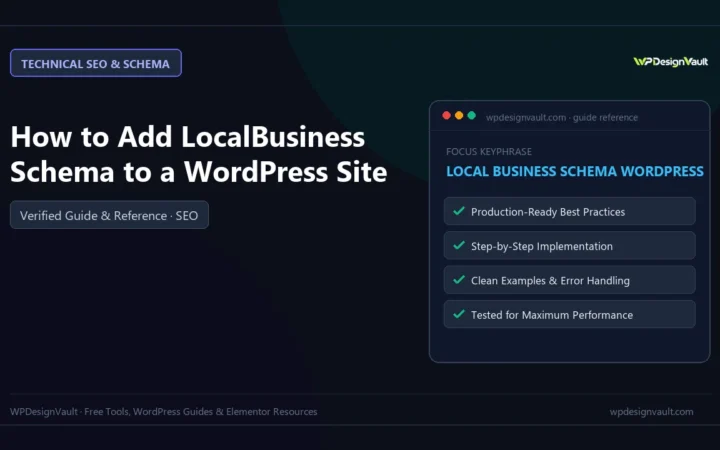
Build LocalBusiness JSON-LD for a WordPress site: the right subtype, Google's required and recommended properties, awkward opening hours, a tested must-use plugin…
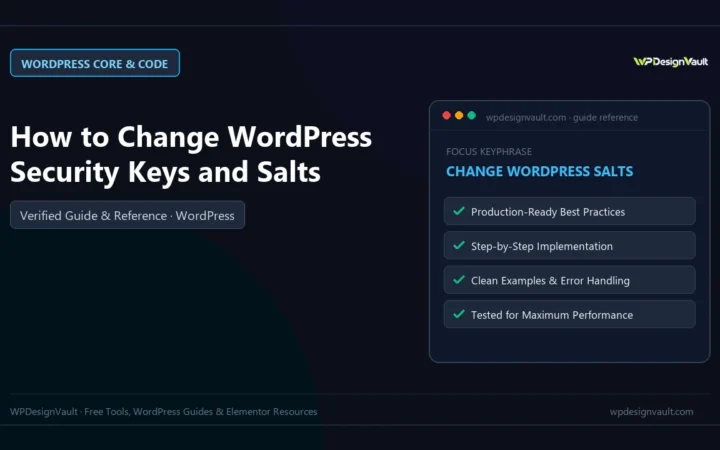
What WordPress keys and salts do, when to change them, three ways to do it, and what we saw on a test…

Two-column hero: headline, supporting text, two buttons and a trust line beside a visual panel. Stacks to one…
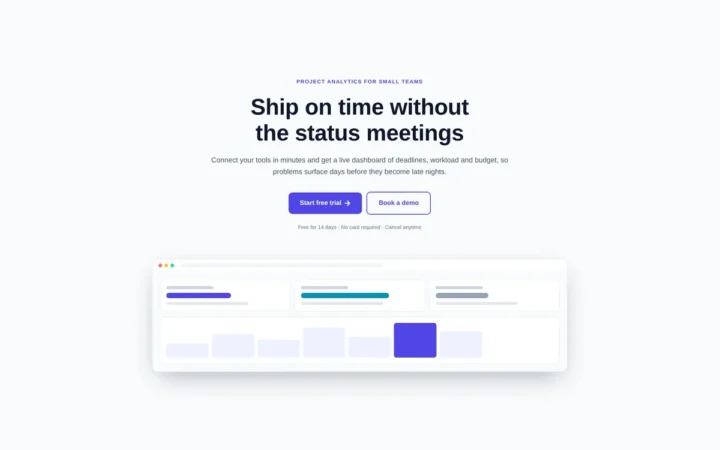
Centred hero with a large headline, supporting text and two buttons, with optional highlights and a product window…
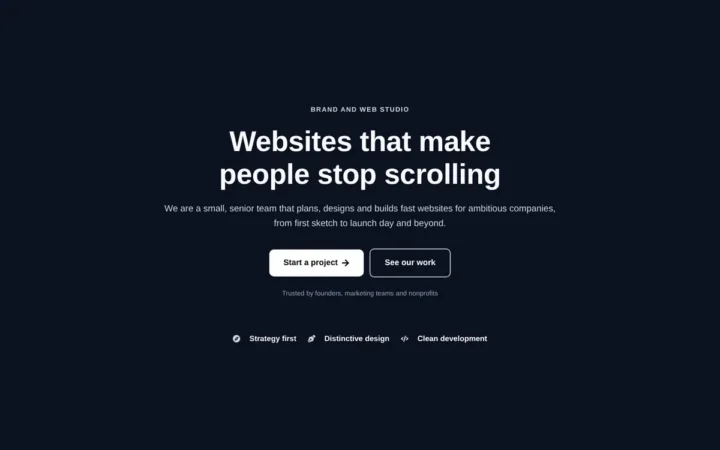
Centred hero with a large headline, supporting text and two buttons, with optional highlights and a product window…