
Ideal Blog Post Length: Why There Is No Magic Word Count
Google has no preferred word count. How to decide a post's length from the reader's questions, with three worked examples, and how to make long posts easy to use.
 Keyur
8 min read
On this page
There is no ideal blog post length. Google says it has no preferred word count, and its SEO Starter Guide says the length of content alone does not matter for ranking. The right length is however long it takes to answer the reader's question completely and clearly, and no longer. In practice that can be 300 words for a quick definition or 3,000 for a step-by-step guide. Plan length from the search intent and the questions the reader has, then cut anything that does not help them.
This post explains what Google actually says about length and why word-count targets persist. It then gives a practical way to decide how long a post should be, with worked examples for three kinds of post. It also covers how to make long posts easy to read, and how to check that a post is the right length after you write it.
What Google says about length
- No preferred word count. Google's guidance on creating helpful content includes, among its self-assessment questions, "Are you writing to a particular word count because you've heard or read that Google has a preferred word count?" The same passage says Google does not have one.
- Length alone is not a ranking factor. The SEO Starter Guide lists minimum or maximum content length among things not to focus on, saying the length of the content alone does not matter for ranking purposes.
- Usefulness is the point. The helpful content guidance asks whether content provides substantial, complete or comprehensive coverage of the topic, and whether readers leave feeling they have learned enough to achieve their goal.
That is not the same as "short is fine" or "long wins". A complete answer to a complex question is naturally long; a complete answer to a simple one is naturally short. Padding a short answer, or cutting a complex one short, both make the page worse.
<h2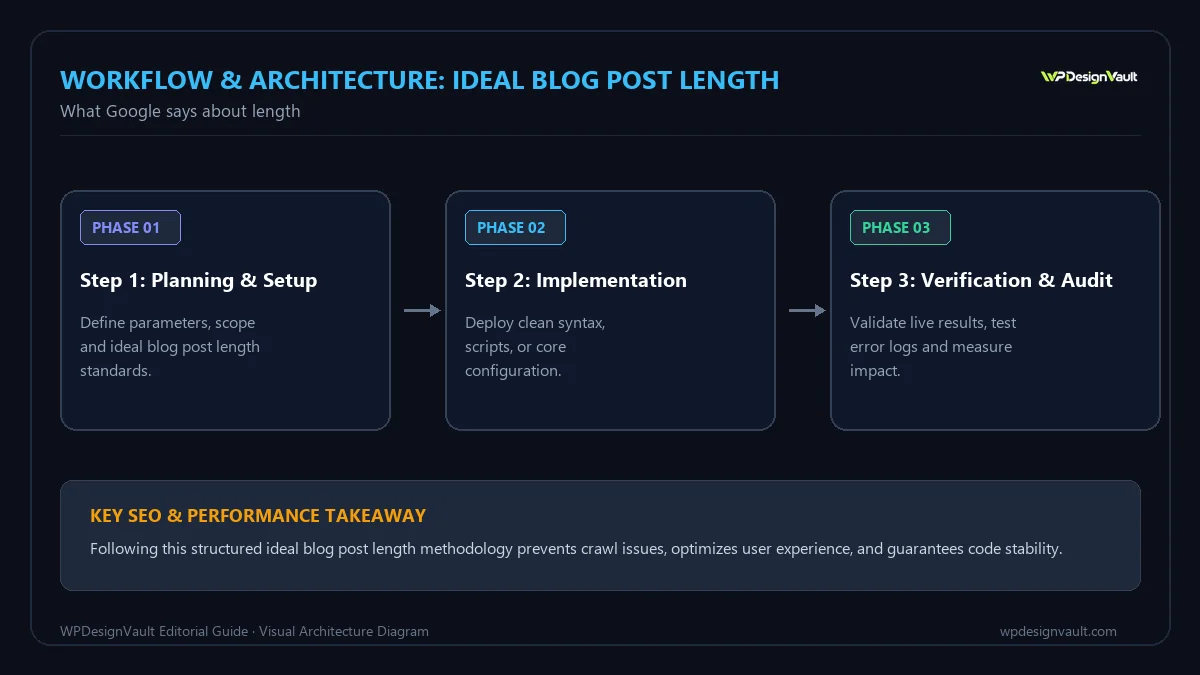
Why word-count targets persist
It is often observed that pages ranking for competitive terms tend to be long, and SEO tools frequently report average word counts for top results. That is a correlation, not a cause. Competitive topics usually need more explanation, and sites that invest in thorough content also tend to have strong reputations and links. Writing more words does not give a page those qualities.
Targets are still useful inside a team, as a planning estimate: "this guide will need roughly 2,000 words to cover the steps, examples and troubleshooting". The problem is treating the estimate as the goal, and adding words to hit it.
Before you decide on length
- Write down the reader's question in one sentence.
- Look at the search results for your main phrase. Are they quick definitions, tools, step-by-step guides or long comparisons? That shows what searchers expect.
- List the follow-up questions a reader would have after the first answer.
- Decide what the reader should be able to do after reading.
How to decide the right length
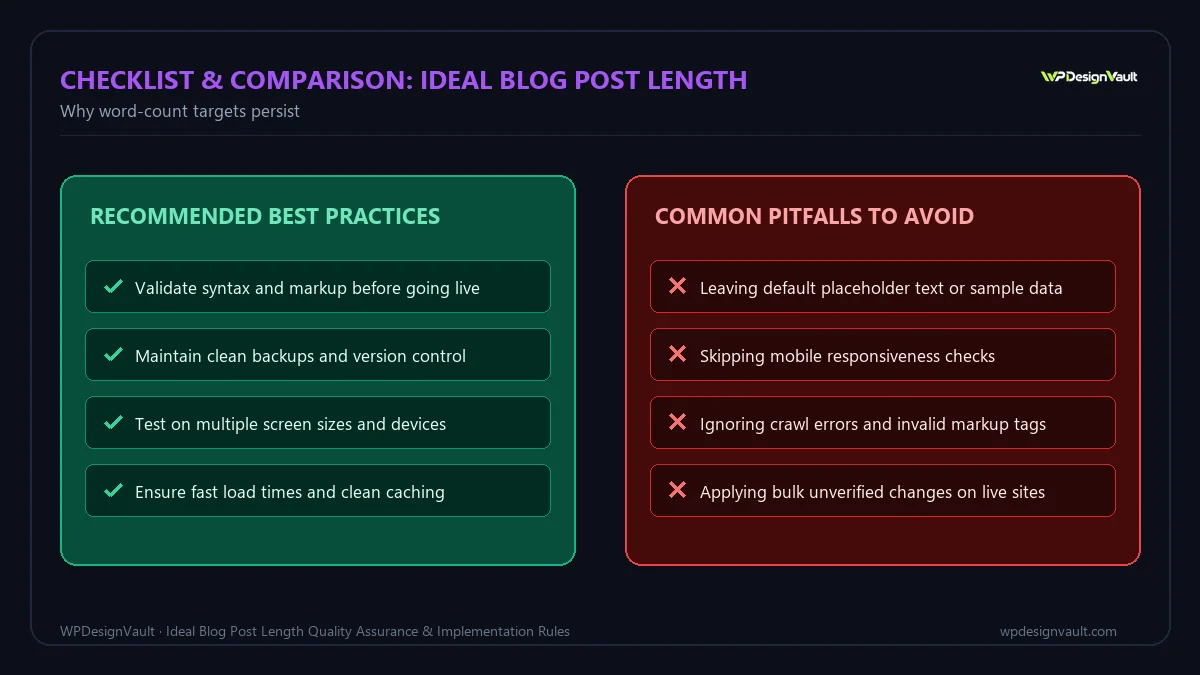
- Answer the main question first, in the opening paragraph.
- Outline the follow-up questions as headings, in the order a reader would ask them.
- Add what each section needs: steps, an example, a table, a warning. Nothing else.
- Write the draft, then count it. The count is a result, not a target.
- Cut ruthlessly: introductions that repeat the title, sections that answer questions nobody asked, and paragraphs that say the same thing twice.
- Check for gaps: anything a reader would still need to search for afterwards.
Worked examples: three posts, three lengths
Table: Length follows intent (illustrative plans)
| Post | Reader's goal | Sections needed | Likely length |
|---|---|---|---|
| "What does CTA mean?" | A quick definition | Definition, example, where it is used | 300 – 600 words |
| "How to add a favicon in WordPress" | Complete a task | Answer, requirements, steps, what WordPress outputs, troubleshooting, FAQs | 1,200 – 2,000 words |
| "Margin vs markup" | Understand and apply formulas | Formulas, conversion tables, worked examples, mistakes, related decisions | 1,500 – 2,500 words |
The first post would be worse at 2,000 words: the reader wants a definition, not an essay. The second would be worse at 400 words: it would skip the troubleshooting that saves a reader from searching again. Neither length is "ideal" in general; each is right for its question.
Making long posts easy to read
When a topic genuinely needs length, structure decides whether people can use it:
- Answer first. Put the short answer at the top so people who only need that can leave satisfied.
- Use descriptive headings so readers can jump to what they need. Our guide to heading structure explains how to build a clear outline.
- Use tables and lists for comparisons and steps instead of long paragraphs.
- Keep paragraphs short, usually two to four sentences on screens.
- Add a short table of contents for very long guides.
- Repeat nothing without a reason.
Reading time
Reading time is a more reader-friendly way to think about length. Our word counter uses 225 words per minute by default for reading time, and the reading time calculator lets you set your own speed. At 225 words per minute, a 1,000-word post takes about four and a half minutes, and a 2,500-word guide about 11 minutes. Showing an estimate near the top of long posts helps readers decide whether to read now or later.
Check whether a post is the right length
- Read the opening alone. Does it answer the question? If not, the post is probably too long before it gets to the point.
- Read only the headings. Do they cover every question a reader would have? Gaps mean the post may be too short.
- Look for repetition. If two sections make the same point, merge them.
- Compare with the search results for coverage, not word count: what do they explain that you do not?
- Check behaviour after publishing. In your analytics, low engagement on a long post can mean readers did not find the answer quickly; frequent follow-up searches can mean a short post left gaps.
- Measure a live page with the website word counter, remembering that it counts menus and footers as well as the article.
Updating existing posts
Length questions often come up when refreshing old content. Rather than adding words, ask what has changed: new steps, new screenshots, outdated advice, new questions readers ask. A refresh might make a post shorter, by removing sections that no longer apply. Update the title and meta description if the focus changes; our guides to meta title length and writing meta descriptions cover those.
Common mistakes
- Writing to a fixed word count for every post.
- Long introductions that restate the title before answering.
- Padding with history, definitions everyone knows, or generic tips.
- Splitting one complete answer across several thin posts.
- Cutting essential steps or warnings to keep a post short.
- Combining several unrelated questions into one huge post.
- Judging success by length instead of by whether readers achieved their goal.
Troubleshooting
Table: Length problems and what to do
| Symptom | Likely cause | What to do |
|---|---|---|
| Readers leave quickly from a long post | The answer is buried | Move the answer to the first paragraph; tighten the introduction |
| Post ranks for some questions but not the main one | Main question covered thinly | Expand the core section rather than adding side topics |
| Several posts compete for the same search | Thin posts on overlapping topics | Merge them into one complete post and redirect the others |
| Writers pad to hit targets | Word counts used as goals | Brief by questions and outcomes instead of length |
| Post feels unfinished | Missing steps, examples or troubleshooting | List follow-up questions and answer each |
Frequently asked questions
What is the ideal blog post length for SEO?
There is none. Google says it has no preferred word count and that length alone does not matter for ranking. The right length is whatever fully answers the reader's question.
Do longer posts rank better?
Long posts often rank for competitive topics because those topics need more explanation, not because of the word count. Adding words without adding value does not help.
Is 300 words too short for a blog post?
Not if 300 words fully answer the question. Many definitions and quick answers are best kept short.
How long should a how-to guide be?
Long enough to cover the requirements, every step, how to check the result and common problems. That is often 1,000 to 2,500 words, but it depends on the task.
Does Google have a minimum word count?
No. Google's guidance asks writers whether they are writing to a word count because they believe Google prefers one, and says it does not.
Should I set word counts in content briefs?
As rough planning estimates, yes. As hard targets, no. Brief writers on the questions to answer and the outcome readers need.
How long does it take to read 1,000 words?
At 225 words per minute, about four and a half minutes. Reading speeds vary by reader and text.
Should I split a long post into several?
Only if the parts answer different questions that people search for separately. Splitting one answer across several pages makes it harder to use.
Does keyword density change with length?
The percentage drops as a post gets longer, which is one reason neither density nor length makes a good target. Focus on covering the topic clearly.
How do I know if my post is long enough?
If a reader could finish it and complete their task or understand the topic without searching again, it is long enough.
Next step
Take your next brief, replace the word-count target with a list of the reader's questions, and write to answer them. Paste the draft into the word counter afterwards to see where it landed.
Related free tools for this topic
Word Counter
Count words, characters, sentences and paragraphs as you type, with reading time, speaking time and the most used…
Merge PDF Files Online (Free, No Uploads)
Combine multiple PDF documents into a single file directly in your browser. Reorder pages, keep your files private,…
Images to PDF Converter (JPG, PNG, WebP to PDF)
Turn screenshots, mockups, and loose images into one organized, properly sized PDF. Choose A4, US Letter, or fit…
Organise PDF: Reorder, Rotate & Extract Pages (Free)
Rearrange, rotate, delete or extract specific pages from any PDF document in your browser. Use visual page controls…
PDF to Images (JPG & PNG Converter)
Convert PDF pages into crisp PNG or JPEG images in your browser. Choose resolution scale (1× to 3×)…
SVG Optimiser for Web & Elementor (Clean viewBox & currentColor)
Shrink SVG icons, preserve the viewBox, remove fixed dimensions, and make vectors adapt to Elementor colours using currentColor.…
Related resources

SaaS hero with dashboard preview
Two-column hero: headline, supporting text, two buttons and a trust line beside a visual panel. Stacks to one…
Centred SaaS hero with product window
Centred hero with a large headline, supporting text and two buttons, with optional highlights and a product window…

Dark studio hero with service highlights
Centred hero with a large headline, supporting text and two buttons, with optional highlights and a product window…
Related articles
Profit Margin vs Markup: Formulas with Worked Examples
Margin divides profit by price; markup divides it by cost. Formulas, conversion tables and worked examples, including the mix-up that cuts profit…
ROI vs ROAS: The Difference and When to Use Each
ROAS measures revenue per unit of ad spend; ROI measures profit after all costs. A worked example shows why the campaign with…
CPM vs CPC: How Ad Pricing Models Work
CPM charges per thousand impressions, CPC per click. Convert between them with CTR, find the break-even point, and choose the model that…
Related guides
How Long Should a Meta Title Be? Pixels vs Characters Explained
"Keep it under 60 characters" is only half right. Google cuts titles by pixel width, not character count. Learn how to write…
The Default WordPress .htaccess File (and Safe Additions)
The exact .htaccess rules WordPress needs for pretty permalinks, what each line does, tested additions for HTTPS and file protection, and a…
Fluid Typography in Elementor with clamp()
Setting a heading to 56 px on desktop, 44 px on tablet and 32 px on mobile works, but text jumps between…
Comments