
Profit Margin vs Markup: Formulas with Worked Examples
Margin divides profit by price; markup divides it by cost. Formulas, conversion tables and worked examples, including the mix-up that cuts profit by 40%.
 Keyur
7 min read

On this page
Margin and markup both describe profit as a percentage, but against different bases. Margin is profit divided by the selling price; markup is profit divided by the cost. A product that costs $60 and sells for $100 makes $40 profit: a 40% margin and a 66.7% markup. Margin is always lower than markup for the same product. Mixing the two up is a common and expensive mistake: pricing with a "40% markup" when you meant a 40% margin leaves you with a 28.6% margin.
This post gives the formulas, conversion tables in both directions and worked examples, including what a discount does to your margin. It ends with how margin feeds into advertising decisions. Every figure was calculated in code; the products and prices are illustrative.
The formulas
Profit  = Selling price − Cost
Margin  = Profit ÷ Selling price × 100
Markup  = Profit ÷ Cost × 100
Table: Margin and markup compared
| Margin | Markup | |
|---|---|---|
| Base | Selling price | Cost |
| Answers | What share of each sale is profit? | How much did we add on top of cost? |
| Range | Below 100% (unless cost is zero) | Can exceed 100% |
| Used by | Finance, accounts, investors, ad break-even calculations | Buyers and shops setting prices from supplier costs |
| $60 cost, $100 price | 40% | 66.7% |
"Cost" here means the direct cost of the item: the price you paid a supplier, or the materials and labour to make it. It usually excludes overheads such as rent and software, which are covered separately. Use prices before sales tax or VAT, because tax is not your revenue.
<h2
Converting between margin and markup
With both values written as decimals:
Margin = Markup ÷ (1 + Markup)
Markup = Margin ÷ (1 − Margin)
Table: Markup to margin
| Markup | Margin |
|---|---|
| 25% | 20.0% |
| 50% | 33.3% |
| 100% | 50.0% |
| 200% | 66.7% |
Table: Target margin to markup and price (for a $60 cost)
| Target margin | Markup needed | Selling price |
|---|---|---|
| 20% | 25.0% | $75.00 |
| 30% | 42.9% | $85.71 |
| 40% | 66.7% | $100.00 |
| 50% | 100.0% | $120.00 |
| 60% | 150.0% | $150.00 |
A 100% markup (doubling the cost) gives a 50% margin. That rule of thumb is a useful sanity check.
Before you calculate
- Agree which number you mean. When someone says "our margin is 40%", confirm whether they mean margin or markup.
- Use the full direct cost: purchase price plus inbound shipping, packaging and payment fees if you treat them as product costs.
- Use net prices, excluding sales tax or VAT.
- Decide the target margin that covers your overheads and leaves profit.
Step by step: price a product from a target margin
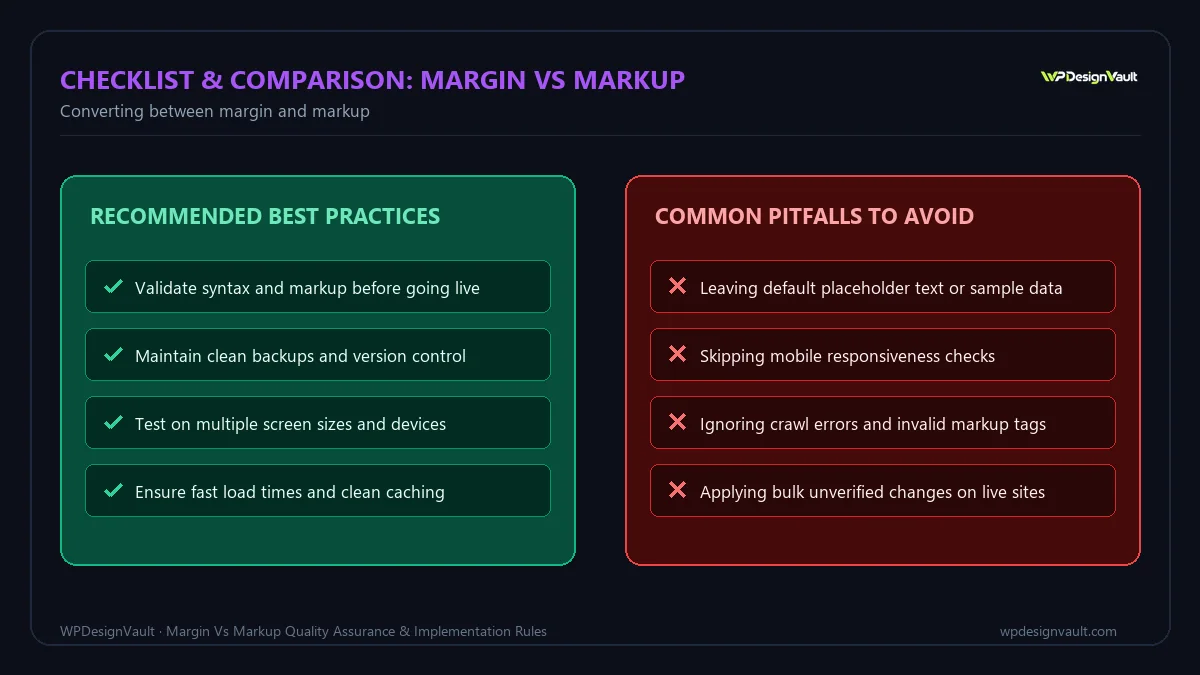
- Find the full unit cost. Example: $60.
- Choose the target margin. Example: 40%.
- Calculate the price: cost ÷ (1 − margin) = $60 ÷ 0.6 = $100.
- Check it: profit $40 ÷ price $100 = 40% margin.
- Round to a sensible price point and recheck the margin.
The profit margin and markup calculator shows profit, margin and markup together from a cost and a selling price, which is a quick way to check step 4.
Worked example: the markup – margin mix-up
An illustrative shop owner wants a 40% margin on a product that costs $60. A new team member applies a 40% markup instead:
Table: Intended versus actual pricing
| Intended: 40% margin | Mistake: 40% markup | |
|---|---|---|
| Price | $100.00 | $84.00 |
| Profit per unit | $40.00 | $24.00 |
| Margin | 40.0% | 28.6% |
The mistake gives away $16 per unit, 40% of the intended profit. On 1,000 units that is $16,000. Writing "margin" or "markup" in every pricing sheet heading, and showing both columns, prevents it.
Worked example: what a discount does
The same product, priced at $100 for a 40% margin, goes on sale at 20% off:
- New price: $80.
- Profit: $80 − $60 = $20, half the original profit.
- Margin: $20 ÷ $80 = 25%.
- To earn the same total profit as before, you would need to sell twice as many units.
A 20% discount cut the profit per sale by 50% because it came entirely out of the margin. Check margins before agreeing to discounts, promotional codes or marketplace fees.
Gross margin versus net margin
The margin in this post is gross margin: it subtracts only the direct cost of what you sold. Net margin also subtracts overheads such as rent, salaries, software and marketing. Both matter, for different decisions:
Table: Gross and net margin for an illustrative shop's year
| Line | Amount |
|---|---|
| Revenue (excluding tax) | $100,000 |
| Cost of goods sold | $60,000 |
| Gross profit | $40,000 (gross margin 40%) |
| Overheads | $28,000 |
| Net profit | $12,000 (net margin 12%) |
Use gross margin to price products and judge individual sales and campaigns. Use net margin to judge whether the business as a whole is healthy. A 40% gross margin can still mean a thin net margin once overheads are paid, which is why a target gross margin should be set with overheads in mind.
Worked example: blended margin across a range
Most shops sell products with different margins. The overall, or blended, margin depends on how much of each you sell, not on the average of the percentages. An illustrative stationery shop's month:
Table: Blended margin across three products
| Product | Unit cost | Price | Units | Revenue | Margin | Markup |
|---|---|---|---|---|---|---|
| Notebooks | $8.00 | $20.00 | 500 | $10,000 | 60.0% | 150.0% |
| Pens | $1.20 | $4.00 | 1,500 | $6,000 | 70.0% | 233.3% |
| Planners | $18.00 | $30.00 | 200 | $6,000 | 40.0% | 66.7% |
| Total | $22,000 | 57.3% |
Total cost was $9,400, so gross profit was $12,600 and the blended margin 57.3%. A simple average of the three margins gives 56.7%, which is close here but can be far off when sales are less even. If next month's sales shift towards planners, the blended margin falls even though no price changed. Track blended margin from totals, not from averages of percentages.
Services and digital products
The formulas work the same way, but "cost" needs more thought:
- Services: the direct cost is usually the time of the people delivering the work, at their cost to the business, plus any subcontractors or materials. A day rate of $800 with a delivery cost of $480 is a 40% margin.
- Digital products and software: the cost per extra sale can be very small (payment fees, hosting, support), so gross margins are often high. Overheads such as development and marketing then decide the net margin.
- Bundles: calculate margin on the bundle price against the combined cost, not on each item's normal price.
Margin and advertising
Margin, not markup, is what you need for advertising decisions:
- Break-even ROAS = 1 ÷ margin. At a 40% margin, ads must bring in $2.50 of revenue for each $1 spent just to cover product costs and the ad spend. The ROAS calculator shows break-even ROAS when you enter your margin.
- Maximum cost per sale. If each sale makes $40 gross profit, you cannot spend more than $40 in advertising per sale without losing money, before overheads. Divide your ad spend by orders to compare; the conversion rate calculator shows cost per conversion.
- Return on investment. Use gross profit, not revenue, as the return. The ROI calculator then shows whether a campaign paid for itself.
Verify your numbers
- Check that margin is always smaller than markup for the same product. If not, the formulas are swapped.
- Recalculate margins after supplier price changes, shipping changes and new payment fees.
- Check a few products by hand against your spreadsheet or shop reports.
- Label every column "margin" or "markup", never "profit %".
Common mistakes
- Using markup when you meant margin, or the reverse.
- Including sales tax or VAT in the selling price.
- Forgetting payment processing, packaging or shipping costs.
- Applying discounts without recalculating margin.
- Comparing your margin with another business's markup.
- Thinking a 50% markup means half the price is profit; it is a 33.3% margin.
- Using revenue instead of gross profit in ROI calculations.
Troubleshooting
Table: Margin and markup problems
| Symptom | Likely cause | Fix |
|---|---|---|
| Profits lower than the pricing sheet suggests | Markup applied where margin was intended | Recalculate prices with cost ÷ (1 − margin) |
| Margin over 100% | Formula divided by cost instead of price | Divide profit by the selling price |
| Margins drop without price changes | Costs, fees or discounts increased | Update unit costs and include all direct fees |
| Ads seem profitable but the business is not | ROAS judged without margin | Compare ROAS with break-even ROAS (1 ÷ margin) |
| Team members quote different numbers | Some quote markup, some margin | Standardise on margin in reports, and label columns |
Frequently asked questions
What is the difference between margin and markup?
Margin is profit as a percentage of the selling price. Markup is profit as a percentage of the cost. For the same product, the margin is always lower.
How do I convert markup to margin?
Divide the markup by one plus the markup, using decimals. A 50% markup is 0.5 ÷ 1.5 = 33.3% margin.
How do I convert margin to markup?
Divide the margin by one minus the margin. A 40% margin is 0.4 ÷ 0.6 = 66.7% markup.
How do I set a price for a target margin?
Divide the cost by one minus the target margin. A $60 cost at a 40% target margin needs a $100 price.
Is a 100% markup a 100% margin?
No. Doubling the cost is a 100% markup, which is a 50% margin.
Can margin be more than 100%?
No, not when costs are positive, because profit cannot exceed the selling price. Markup can be any size.
Which should I use for pricing?
Either works if you are clear about which you use. Many businesses set prices with markup but report and plan with margin.
Should margin include overheads?
Gross margin uses direct product costs only. Net margin subtracts overheads too. Be clear which one a figure refers to.
How do discounts affect margin?
They come straight off the profit. In our example, a 20% discount turned a 40% margin into 25% and halved the profit per sale.
Why does margin matter for advertising?
It sets your break-even ROAS (1 ÷ margin) and the most you can spend to win a sale. Markup is not used in those calculations.
Next step
Enter the cost and price of your best-selling product into the profit margin and markup calculator, confirm which figure your pricing sheet uses, and label it clearly. More calculators are in our marketing tools collection.
Related free tools for this topic
Profit Margin & Markup Calculator
Enter cost and selling price to get profit, margin percentage and markup percentage side by side.
UTM Builder: Campaign URL Generator
Add utm_source, utm_medium, utm_campaign and other tags to any link, keep naming consistent, and copy a clean tracking…
Percentage Calculator
Three calculators in one: X% of Y, X is what percent of Y, and percentage change from one…
Discount Calculator
Find the sale price and the amount saved from an original price and a percentage discount.
Conversion Rate Calculator
Calculate conversion rate from conversions and visitors, plus cost per conversion if you enter your spend.
CPM Calculator
Calculate cost per thousand impressions (CPM) from cost and impressions.
Related resources

SaaS hero with dashboard preview
Two-column hero: headline, supporting text, two buttons and a trust line beside a visual panel. Stacks to one…

Centred SaaS hero with product window
Centred hero with a large headline, supporting text and two buttons, with optional highlights and a product window…

Dark studio hero with service highlights
Centred hero with a large headline, supporting text and two buttons, with optional highlights and a product window…
Related articles

Ideal Blog Post Length: Why There Is No Magic Word Count
Google has no preferred word count. How to decide a post's length from the reader's questions, with three worked examples, and how…
ROI vs ROAS: The Difference and When to Use Each
ROAS measures revenue per unit of ad spend; ROI measures profit after all costs. A worked example shows why the campaign with…
CPM vs CPC: How Ad Pricing Models Work
CPM charges per thousand impressions, CPC per click. Convert between them with CTR, find the break-even point, and choose the model that…
Related guides

How Long Should a Meta Title Be? Pixels vs Characters Explained
"Keep it under 60 characters" is only half right. Google cuts titles by pixel width, not character count. Learn how to write…

The Default WordPress .htaccess File (and Safe Additions)
The exact .htaccess rules WordPress needs for pretty permalinks, what each line does, tested additions for HTTPS and file protection, and a…

Fluid Typography in Elementor with clamp()
Setting a heading to 56 px on desktop, 44 px on tablet and 32 px on mobile works, but text jumps between…
Comments