
How Your Theme Directly Affects SEO Rankings
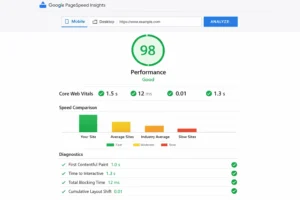
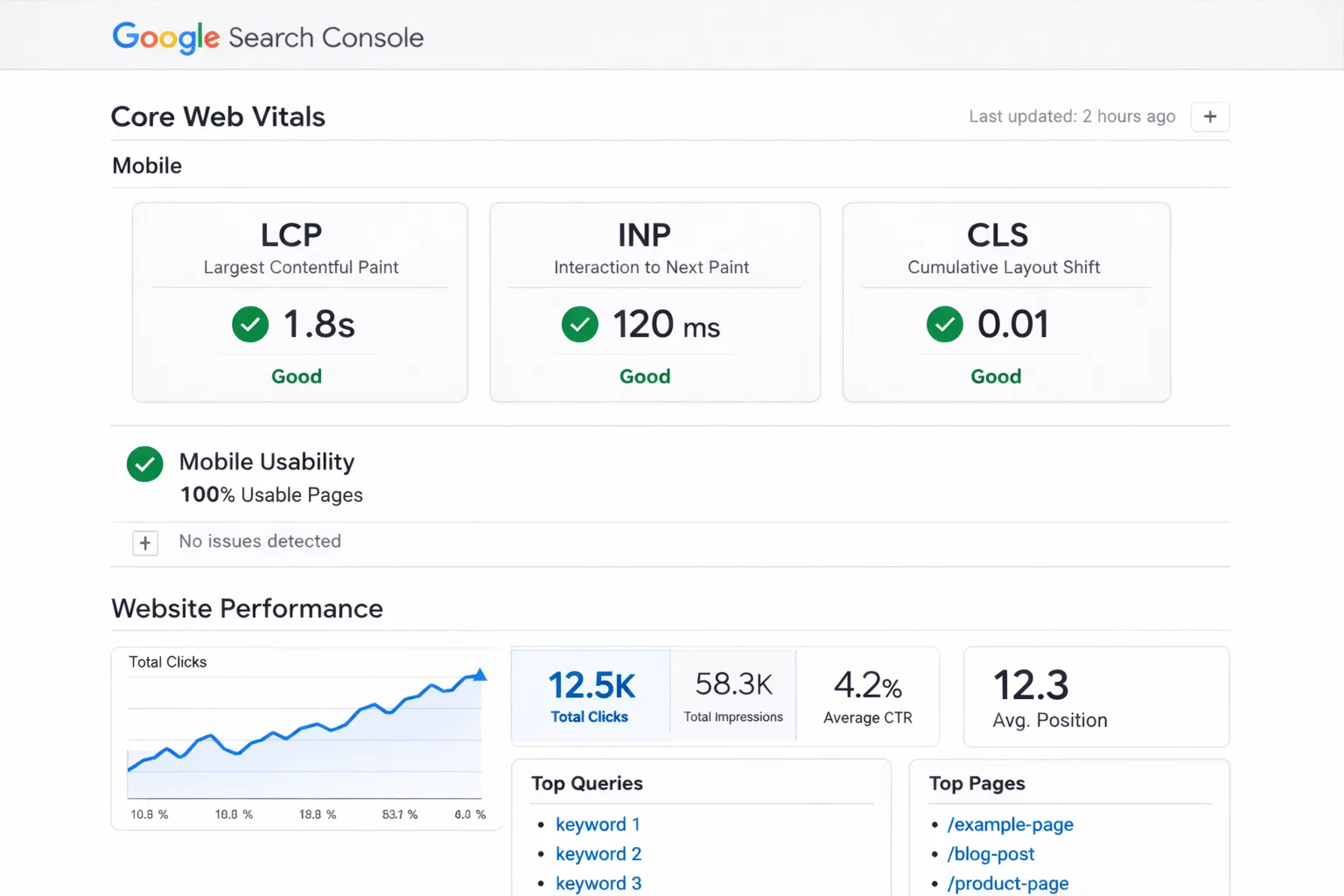
Your WordPress theme has more influence over your search rankings than most people realise. Google’s ranking algorithm weighs page experience signals heavily – and your theme determines most of those signals. Load time, Core Web Vitals scores, mobile usability, and the cleanliness of your HTML all trace directly back to theme choices.
The relationship is straightforward: a heavy, bloated theme loads slowly, produces poor Core Web Vitals scores, and tells Google that your site delivers a bad user experience. A lightweight, optimised theme loads quickly, aces Core Web Vitals, and sets a positive technical foundation for your content to rank on.
Beyond performance, themes affect SEO through heading structure (does the theme output a clean H1, H2, H3 hierarchy?), schema markup (does the theme add any structured data?), image handling (does it lazy-load images and output proper alt text?), and canonical tag handling (does it interfere with your SEO plugin’s canonical settings?). Get these right, and your SEO plugin has a clean foundation to work on.
In 2026, AI search engines (Google SGE, Perplexity, ChatGPT search) add another dimension. Themes that produce clean semantic HTML and well-structured content hierarchies give AI crawlers the context signals they need to surface your content in generative answers.
Top SEO-Friendly WordPress Themes in 2026
1. GeneratePress – Best for Technical SEO
GeneratePress is the gold standard for SEO-focused theme choice. The core free version is under 30KB of CSS, loads no JavaScript by default, outputs clean semantic HTML5, and consistently earns near-perfect Core Web Vitals scores. It doesn’t add any schema markup by default (that’s your SEO plugin’s job), which means there are no conflicts with Rank Math or Yoast. If technical SEO performance is your priority, GeneratePress is the clearest answer.
Mobile Score: 98 | LCP: 1.1s | CLS: 0.00 | Price: Free / $59/yr Premium
2. Astra – Best Balance of Speed and Features
Astra manages the difficult balance of being fast enough for SEO while also being feature-rich enough for real-world site building. The schema markup for breadcrumbs integrates cleanly with Rank Math, the heading structure is clean across all page types, and the PageSpeed scores are excellent. It’s the most practical SEO-friendly theme for people who need more than a blank canvas.
Mobile Score: 96 | LCP: 1.3s | CLS: 0.02 | Price: Free / $47/yr Pro
3. Kadence – Best for AI-Assisted SEO Content
Kadence’s combination of technical speed and AI content assistance makes it compelling for content marketers. The theme loads fast, outputs clean HTML, and the AI features help with creating structured content that reads well for both humans and AI search engines like Perplexity and ChatGPT. The llms.txt support (relevant for AI search optimization in 2026) is a forward-looking addition.
Mobile Score: 95 | LCP: 1.4s | CLS: 0.01 | Price: Free / $79/yr Pro
4. Schema – Best Theme for Structured Data
Schema by MyThemeShop is built entirely around schema markup. Every page type – articles, reviews, recipes, local business, products – gets appropriate structured data automatically. If you run a review site, a recipe blog, or any content type that benefits heavily from rich results, Schema provides the most comprehensive structured data implementation of any theme.
Mobile Score: 91 | LCP: 1.6s | Price: Premium
5. Blocksy – Best Block Theme for SEO
Among full block themes, Blocksy produces the cleanest code. The HTML output is semantic and well-structured, breadcrumb markup is available natively, and the performance scores are strong. For sites committed to WordPress’s block editor and Full Site Editing, Blocksy is the most SEO-conscious choice in that category.
Mobile Score: 94 | LCP: 1.5s | CLS: 0.01 | Price: Free / Pro available
Core Web Vitals Scores Compared
These scores are from fresh WordPress installs with identical demo content, tested on Google PageSpeed Insights mobile:
| Theme | LCP | INP | CLS | Mobile Score | Desktop Score |
|---|---|---|---|---|---|
| GeneratePress | 1.1s | Excellent | 0.00 | 98 | 100 |
| Astra | 1.3s | Excellent | 0.02 | 96 | 100 |
| Kadence | 1.4s | Excellent | 0.01 | 95 | 99 |
| Schema | 1.6s | Good | 0.00 | 91 | 98 |
| Blocksy | 1.5s | Excellent | 0.01 | 94 | 99 |
| Average WP Theme | 3.2s | Moderate | 0.15+ | 65 | 78 |
Schema Markup and Structured Data
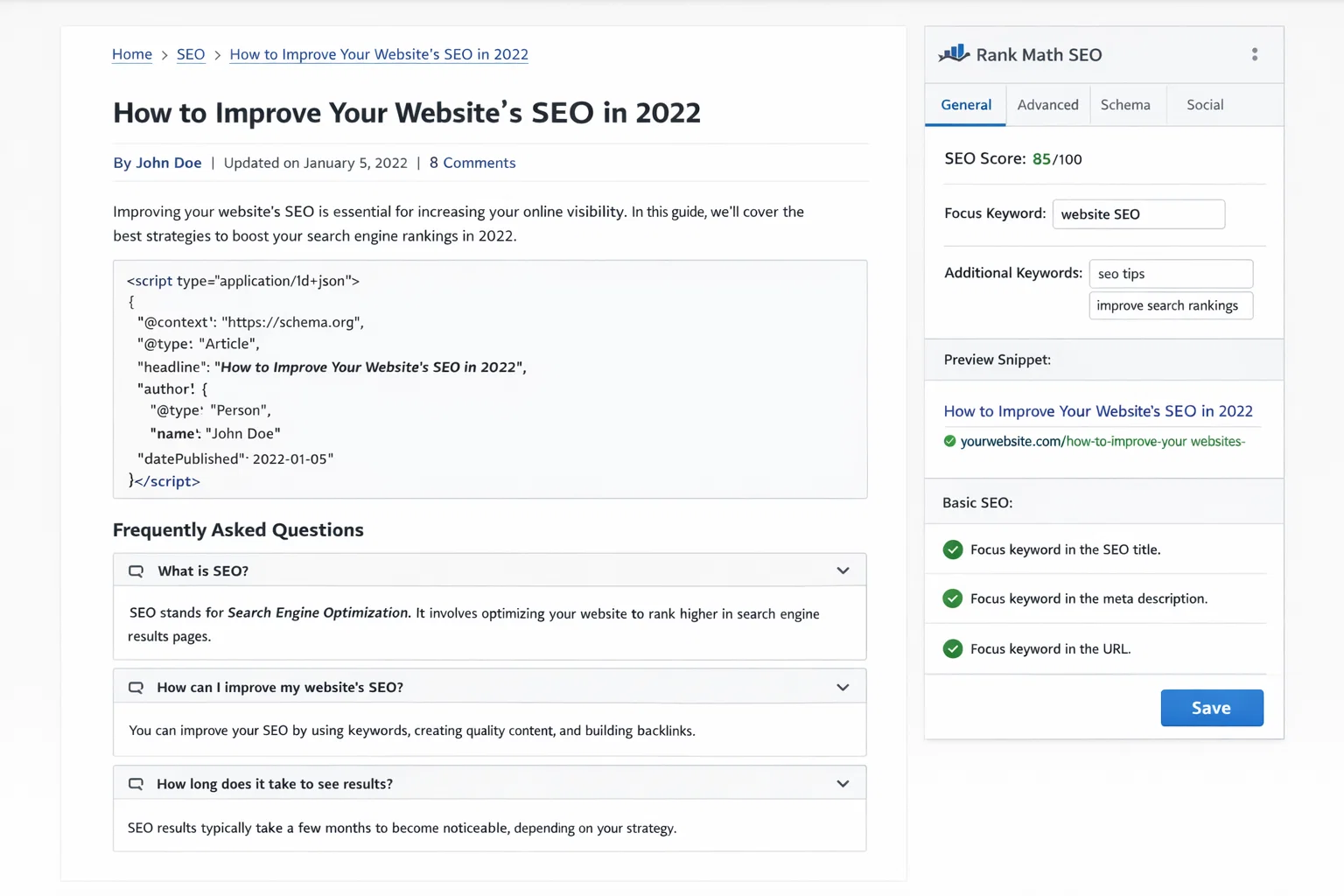
Schema markup helps Google understand your content and display rich results – star ratings, FAQs, breadcrumbs, article publication dates – in search results. Here’s how different theme approaches handle this:
| Schema Type | Theme Approach | Best Practice |
|---|---|---|
| Article | Most themes leave this to plugins | Use Rank Math or Yoast to add Article schema |
| Breadcrumbs | Astra, Blocksy include basic support | Enable in your SEO plugin for full control |
| Local Business | Rarely included in themes | Add via SEO plugin or Local schema plugin |
| Review / Rating | Schema theme handles natively | Use a dedicated review plugin otherwise |
| FAQ | All themes via Rank Math/Yoast | Add FAQ block and SEO plugin generates schema |
| Product (WooCommerce) | WooCommerce handles automatically | Supplement with Rank Math WooCommerce settings |
Theme Speed Optimization Tips
- Remove unused plugins – each active plugin adds HTTP requests even if you’re not using all its features
- Use a caching plugin (WP Rocket or W3 Total Cache) regardless of how fast your theme is
- Optimize images before upload – use WebP format, compress with Smush or ShortPixel
- Use a CDN like Cloudflare to serve assets from servers closer to your visitors
- Enable lazy loading for images – most modern themes do this by default, but verify
- Avoid loading Google Fonts if your theme supports system fonts – saves one network request
- Run monthly PageSpeed checks – theme updates and plugin additions can degrade scores over time
Frequently Asked Questions
Does my WordPress theme affect Google rankings?
Yes, significantly. Your theme determines page load speed and Core Web Vitals scores, which Google uses as ranking signals. A heavy theme loading in 4 seconds will rank worse than an equivalent site on a lightweight theme loading in 1.5 seconds, assuming all other factors are equal.
What Core Web Vitals score should my site have?
Google considers an LCP (Largest Contentful Paint) of under 2.5 seconds as Good. INP (Interaction to Next Paint) should be under 200ms. CLS (Cumulative Layout Shift) should be under 0.1. Aiming for mobile scores above 90 on PageSpeed Insights puts you in good territory.
Which is better for SEO: Rank Math or Yoast SEO?
In 2026, Rank Math’s free version offers more features than Yoast’s free version – including unlimited keyword optimization, built-in schema types, Google Search Console integration, and an AI content scoring tool. Most SEO professionals have moved toward Rank Math. Both work well with any theme on this list.
Should I care about mobile page speed for SEO?
Critically. Google uses mobile-first indexing, which means your mobile site’s quality and speed is the primary signal Google uses for ranking – even for desktop searches. Always check mobile PageSpeed, not just desktop.
Can a good theme compensate for bad content?
No. A fast, technically perfect theme with thin or irrelevant content will not rank. Your theme provides the technical foundation – clean code, fast loading, proper heading structure – but your content has to provide genuine value that matches search intent.
What is llms.txt and does my SEO theme need it?
llms.txt is a proposed standard that tells AI crawlers (ChatGPT, Claude, Perplexity) which pages on your site are most relevant and authoritative. Rank Math generates this automatically. In 2026, optimising for AI search alongside traditional Google search is increasingly important for traffic diversification.