
Why Plugin Choice Matters More Than You Think
WordPress’s power comes from its plugin ecosystem. There are more than 60,000 plugins in the official repository, with thousands more sold on marketplaces. That choice is both an opportunity and a minefield. Good plugins extend WordPress into exactly what you need. Bad plugins slow your site to a crawl, open security holes, or break your layout when they update.
In 2026, the plugin landscape has shifted in important ways. AI-powered plugins for content creation, SEO analysis, and chatbots have become genuinely useful rather than gimmicky. WooCommerce’s own plugin suite has matured. And the ongoing push toward Gutenberg blocks has reduced the need for some old-school plugins that existed to fill gaps in the classic editor.
The best plugin strategy isn’t installing everything – it’s installing only what you’ve intentionally evaluated and actively use. Every plugin adds overhead. Plugins that conflict can take hours to debug. Security vulnerabilities in plugins are the leading cause of WordPress hacks. Choosing carefully upfront saves significant time and stress.
Must-Have WordPress Plugins in 2026
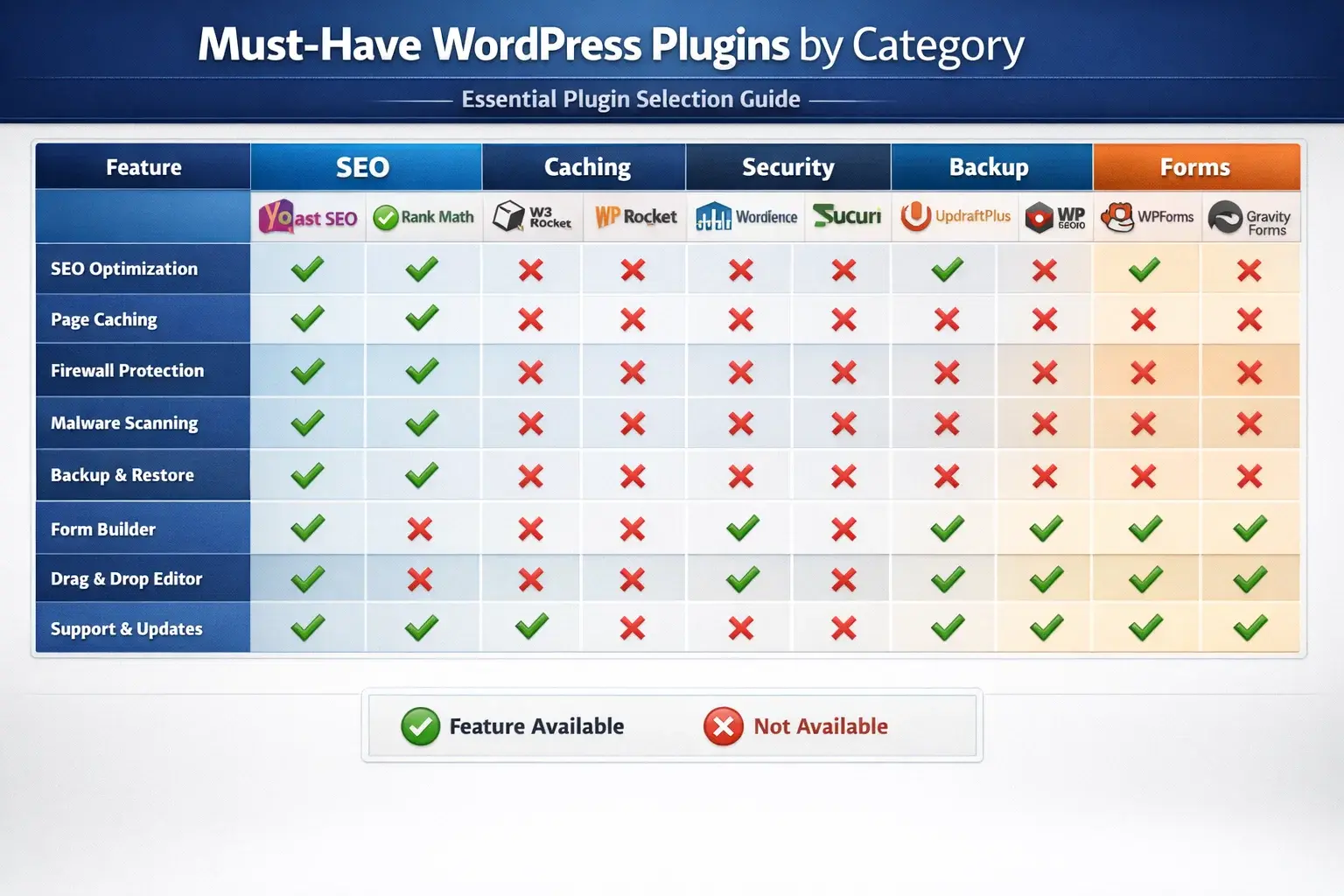
| Category | Plugin | Free Version | Starting Price | Why It’s Essential |
|---|---|---|---|---|
| SEO | Rank Math | Yes | $59/yr Pro | Schema, keyword tracking, Search Console |
| Caching | WP Rocket | No | $59/yr | Biggest speed boost available |
| Security | Wordfence | Yes | $119/yr Pro | Firewall + malware scanner |
| Backup | UpdraftPlus | Yes | $70/yr Pro | Automated cloud backups |
| Forms | WPForms | Yes | $49.50/yr | Drag-and-drop form builder |
| Images | Smush | Yes | $60/yr Pro | Image compression + WebP |
| Analytics | MonsterInsights | Yes | $99.50/yr Plus | GA4 in WordPress dashboard |
| eCommerce | WooCommerce | Yes | Free + Extensions | Industry standard ecommerce |
| FluentSMTP | Yes | Free | Reliable transactional email | |
| Uptime | UptimeRobot | Yes | Free | Alert when site goes down |
How Many Plugins Is Too Many?
There’s no magic number, but context matters. Thirty well-coded, conflict-free plugins on a properly hosted site can perform better than ten poorly-coded ones on budget shared hosting. The questions to ask: Is each plugin actively solving a problem? Is it maintained? Does it conflict with anything? Could a single better plugin replace multiple smaller ones?
A reasonable plugin count for most business sites: 10 to 20 actively serving a purpose. Above 30 plugins, every new addition requires careful compatibility testing. When in doubt, disable and delete rather than leaving installed-and-inactive plugins on the site.
Free vs Premium Plugin Trade-offs
| Plugin Type | Free Option | When to Upgrade | Premium Benefit |
|---|---|---|---|
| SEO | Rank Math Free | Large sites, advanced schema | Keyword tracking, Advanced AI SEO |
| Caching | LiteSpeed Cache (if on LS host) | All sites on non-LS hosts | WP Rocket: best all-round caching |
| Security | Wordfence Free | High-traffic, ecommerce | Real-time firewall IP updates |
| Backup | UpdraftPlus Free | Mission-critical sites | More cloud destinations, encryption |
| Forms | WPForms Lite | Lead gen, conditional logic | Multi-page forms, payment integration |
| Images | Smush Free | Large image libraries | Bulk compression, CDN |
Plugin Maintenance and Security
- Update plugins weekly – most vulnerabilities are patched quickly, but only if you update
- Delete deactivated plugins – inactive plugins can still be exploited
- Use iThemes Security or Wordfence scanner monthly to check for known vulnerabilities
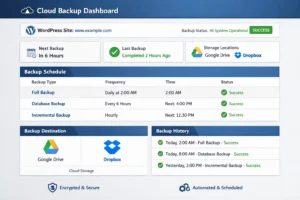
- Backup before every update – UpdraftPlus before plugin updates prevents data loss
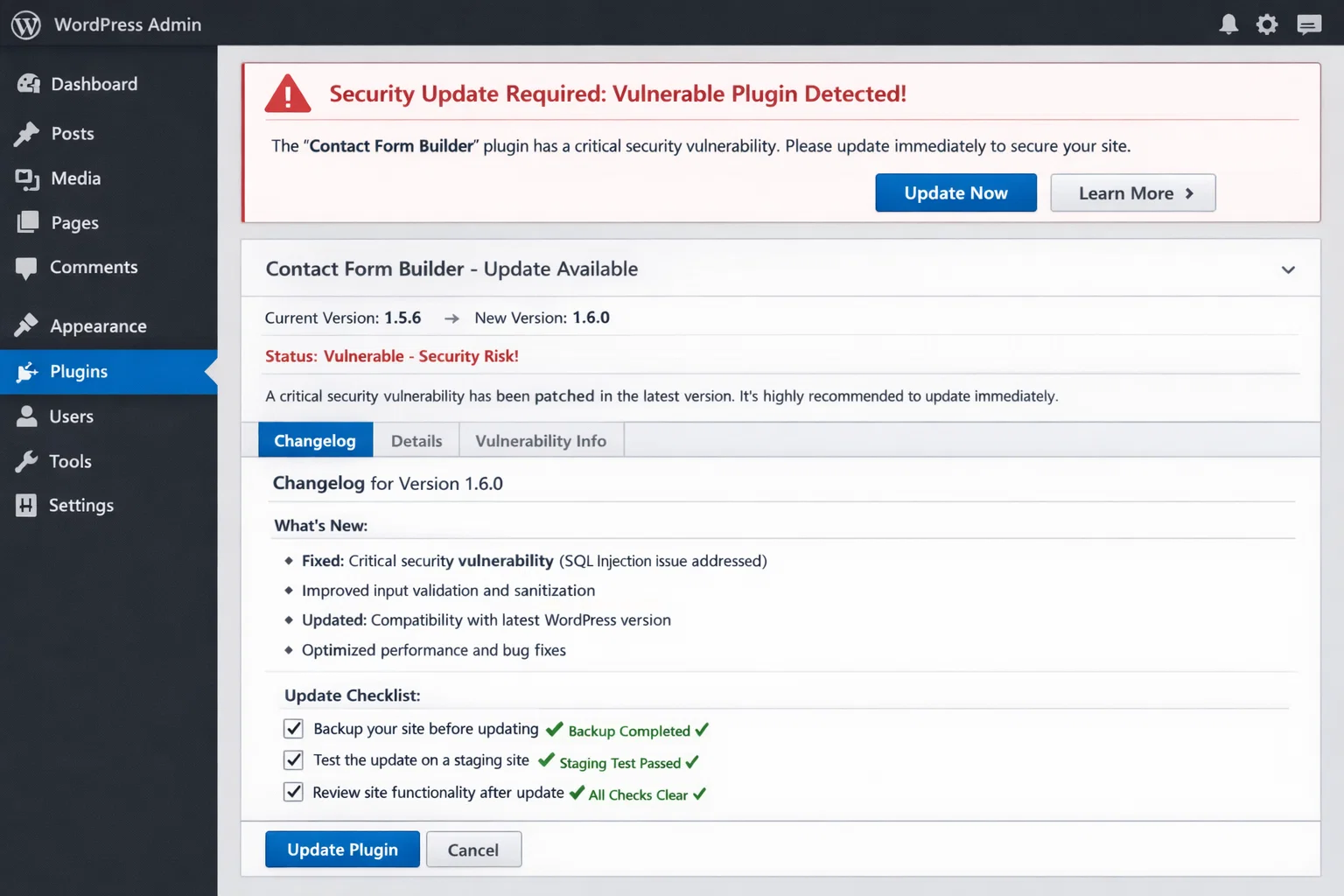
- Check plugin changelog before updating – sometimes updates introduce breaking changes
- Avoid nulled or pirated premium plugins – they often contain backdoors and malware
Frequently Asked Questions
How many WordPress plugins is too many?
There’s no universal maximum, but 10-20 well-chosen plugins is a reasonable target for most business sites. The number matters less than the quality – 15 lightweight, well-coded plugins perform better than 8 poorly-coded bloated ones. Audit your plugins quarterly and remove anything you’re not actively using.
Do plugins slow down WordPress?
Some do, some don’t. Plugins that add frontend scripts (sliders, social share buttons, chat widgets) are more likely to slow your site than backend-only plugins (backup, security scanner). Test your site speed before and after installing any new plugin using Google PageSpeed Insights. If a plugin adds more than 200ms to your load time, evaluate whether the benefit justifies the cost.
What is the best SEO plugin for WordPress in 2026?
Rank Math is the top recommendation in 2026. Its free version includes 5-keyword optimization per post, 20+ schema types, Google Search Console integration, a redirect manager, and an llms.txt generator for AI search visibility – all features that Yoast hides behind paid plans. For teams already invested in Yoast, there’s no urgent reason to switch unless you’re hitting specific limitations.
Do I need a security plugin if I’m on managed WordPress hosting?
Managed hosts (WP Engine, Kinsta) handle server-level security, but application-level security from a plugin like Wordfence adds value they can’t fully replicate – specifically blocking login brute force attacks and scanning your specific plugin files for known malware signatures. The combination is better than either alone.
What’s the best WordPress plugin for contact forms?
WPForms is the best balance of ease-of-use and capability for most sites. The free version handles standard contact forms, and the paid tiers add conditional logic, file uploads, and payment integration. For complex business workflows with sophisticated conditional logic, Gravity Forms is the developer’s choice.