
The WordPress Security Threat Landscape in 2026
WordPress powers over 43% of all websites on the internet. That market dominance makes it the most-targeted CMS for attacks. In 2026, the threats haven’t changed in type but have increased in sophistication: automated bots scanning for known plugin vulnerabilities, credential stuffing attacks on login pages, malicious code injections through outdated themes, and supply chain attacks via compromised plugins.
The good news is that most WordPress hacks are preventable. Over 90% of compromised WordPress sites were hacked due to an outdated plugin or theme, a weak password, or an insecure hosting environment – all of which are controllable. A properly configured security plugin combined with basic hygiene (strong passwords, regular updates) blocks the vast majority of attack vectors.
Top WordPress Security Plugins
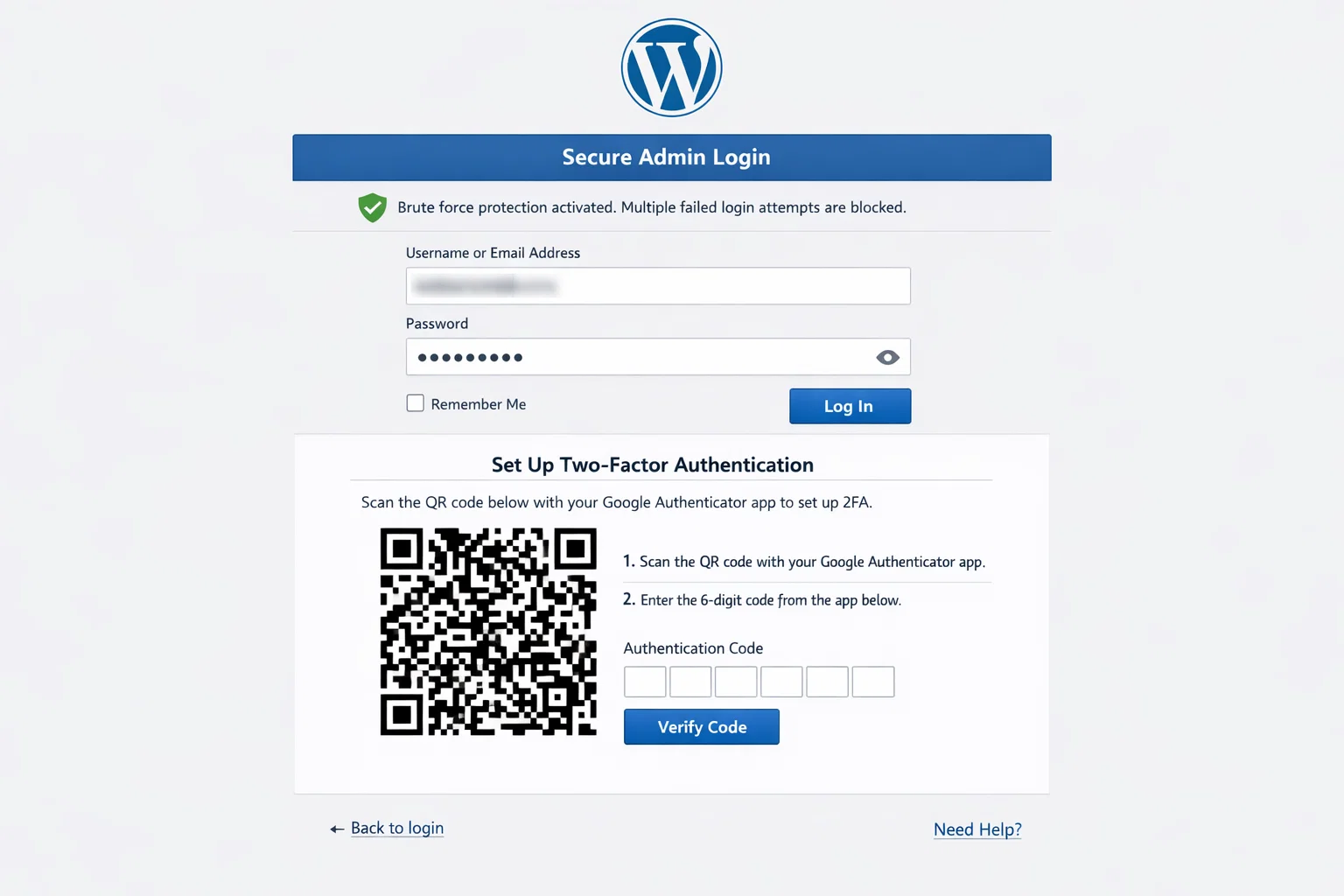
1. Wordfence – Best Overall Security Plugin
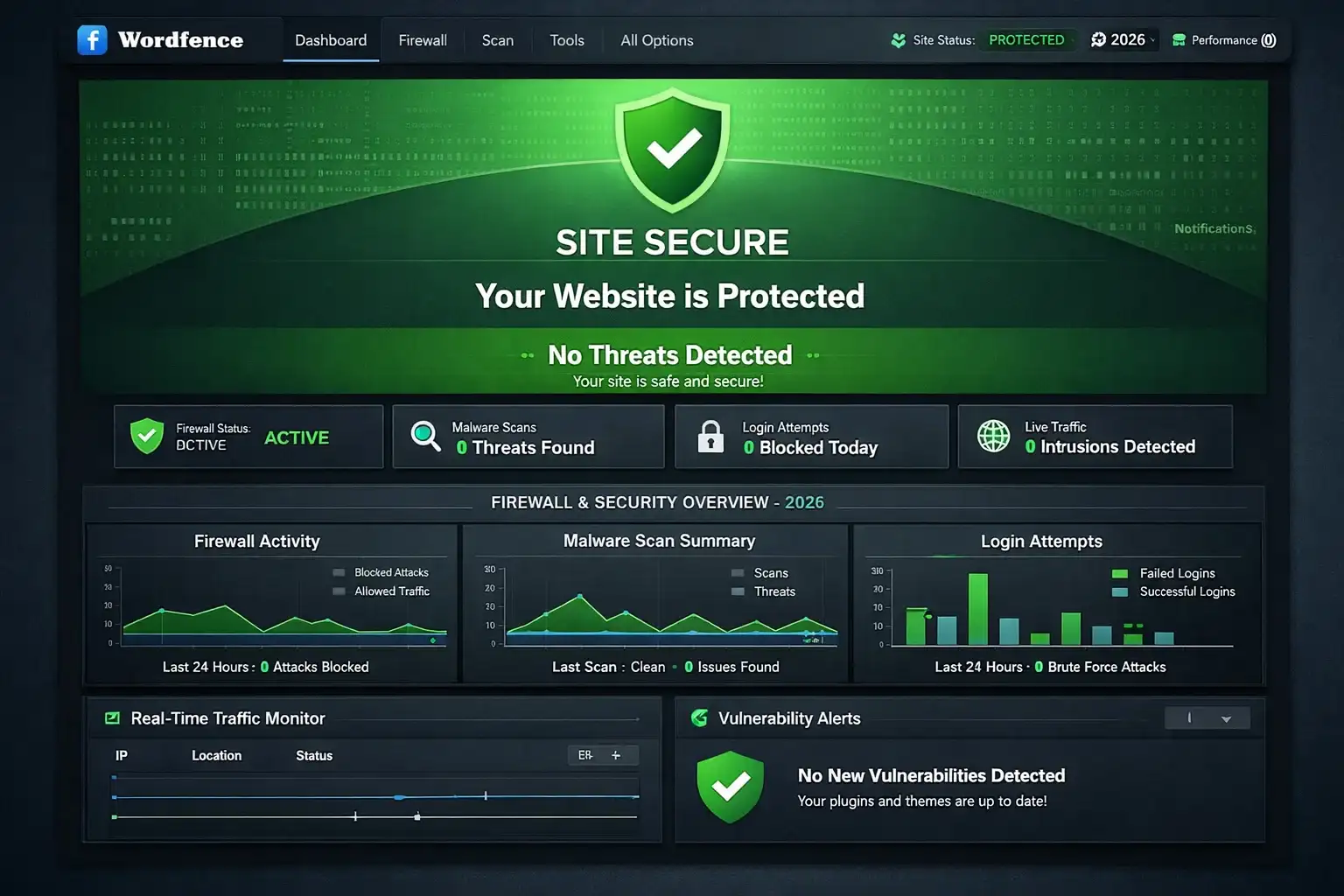
Wordfence is the most widely used WordPress security plugin with over 5 million active installs. The free version provides a solid web application firewall, malware scanner, login security (two-factor authentication, login attempt limiting), and real-time traffic monitoring. The firewall rules update in real-time for Wordfence Premium users; free users receive the same rules with a 30-day delay.
The malware scanner checks your WordPress core files, themes, and plugins against known clean versions, flagging any differences. This is particularly useful for catching malicious code injections that modify existing files rather than adding new ones.
Free WAF: Yes (delayed rules) | Malware Scanner: Yes | 2FA Free: Yes | Best for: Most WordPress sites
2. Sucuri Security – Best for Malware Cleanup
Sucuri’s strength is its malware removal service, which comes with the paid plans. If your site is already compromised, Sucuri’s team will clean it – unlimited cleanups per year is a compelling offering for sites that have been repeatedly targeted. The free plugin provides file integrity monitoring, security activity auditing, and basic hardening.
Free WAF: No (CDN WAF paid) | Malware Scanner: Yes (free) | 2FA Free: No | Best for: Post-hack cleanup
3. iThemes Security – Best for Beginners
iThemes Security (now part of SolidWP) has the most beginner-friendly interface of any major security plugin. The setup wizard walks through security recommendations and applies fixes with one click. Core features include brute force protection, file change detection, database backups, two-factor authentication, and WordPress salts/keys regeneration.
Free WAF: Basic | Malware Scanner: No | 2FA Free: Yes | Best for: Beginners
4. WP Cerber Security – Best Lightweight Alternative
WP Cerber is an underrated security plugin that manages to provide comprehensive protection with minimal performance overhead. The anti-spam engine, login protection with geolocation blocking, traffic inspection, and malware scanner are all well-implemented. For sites where plugin performance impact is a concern, WP Cerber is worth considering.
Free WAF: Yes | Malware Scanner: Yes | 2FA Free: Yes | Best for: Performance-conscious sites
5. All-In-One Security (AIOS) – Best Free Security Plugin
AIOS covers the essentials for free without requiring a paid upgrade for core functionality. User account security, login lockdown, database prefix changing, filesystem security, brute force prevention, and a basic firewall are all available in the free version. It’s less sophisticated than Wordfence but requires no payment for any of its most useful features.
Free WAF: Basic | Malware Scanner: No | 2FA Free: No | Best for: Budget-conscious sites
Security Plugin Comparison Table
| Plugin | Free WAF | Malware Scanner | 2FA Free | Brute Force Protection | Best For |
|---|---|---|---|---|---|
| Wordfence | Yes (delayed rules) | Yes | Yes | Yes | Most WordPress sites |
| Sucuri | No (CDN WAF paid) | Yes (free) | No | Yes | Post-hack cleanup |
| iThemes Security | Basic | No | Yes | Yes | Beginners |
| WP Cerber | Yes | Yes | Yes | Yes | Performance-conscious sites |
| AIOS | Basic | No | No | Yes | Budget-conscious sites |
Beyond Plugins: Server-Level Security
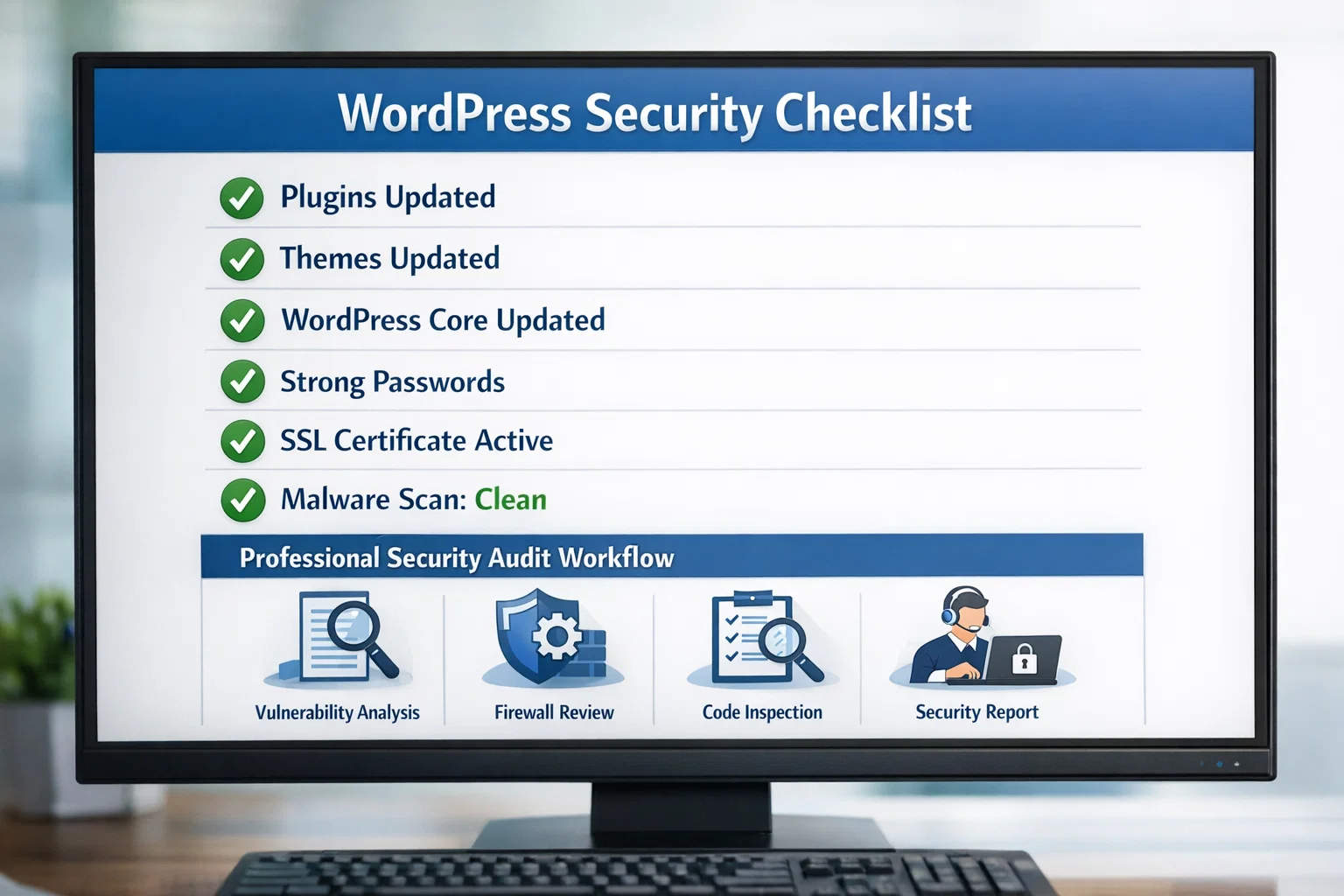
- Use a host with automatic WordPress core updates – many attacks exploit known vulnerabilities in outdated WordPress versions
- Enable HTTPS with a valid SSL certificate – most hosts provide Let’s Encrypt free SSL
- Use Cloudflare’s free plan – their DDoS protection and rate limiting block many attack vectors
- Disable PHP execution in wp-content/uploads – prevents uploaded malicious scripts from running
- Keep PHP updated – WordPress recommends PHP 8.1 or higher
- Use strong database passwords and change the default database prefix from wp_
The WordPress Security Checklist
| Security Action | Priority | How to Implement |
|---|---|---|
| Keep WordPress core updated | Critical | Enable auto-updates or check weekly |
| Update all plugins and themes | Critical | Dashboard > Updates, check weekly |
| Use strong, unique passwords | Critical | Password manager (Bitwarden, 1Password) |
| Enable 2FA on admin accounts | High | Wordfence or iThemes Security |
| Install a security plugin | High | Wordfence free is a solid baseline |
| Limit login attempts | High | Built into Wordfence and iThemes |
| Change default admin username | High | Never use ‘admin’ as a username |
| Schedule regular backups | High | UpdraftPlus free, daily backups |
| Remove unused plugins | Medium | Delete, not just deactivate |
Frequently Asked Questions
Do I really need a security plugin if I’m on managed WordPress hosting?
Managed hosts like WP Engine, Kinsta handle server-level security. But a plugin like Wordfence adds application-level security: blocking login brute force attempts, scanning your specific plugin files for known malware, monitoring file changes, and blocking bad bots targeting WordPress-specific vulnerabilities.
Is Wordfence or Sucuri better for WordPress security?
They take different approaches. Wordfence is a plugin-based solution – everything runs on your server, including the firewall and malware scanner. It’s excellent and has a strong free version. Sucuri routes your traffic through its cloud-based WAF before it even reaches your server. Sucuri is more effective against DDoS and large-scale attacks; Wordfence gives you more direct visibility into what’s happening on your specific site.
What are the most common ways WordPress sites get hacked?
The leading causes: outdated plugins or themes with known vulnerabilities (by far the most common), weak or reused admin passwords, compromised login credentials from data breaches, nulled (pirated) themes and plugins containing hidden backdoors, and insecure hosting environments. Over 90% of WordPress compromises involve at least one of these preventable factors.
What’s two-factor authentication for WordPress and should I enable it?
Two-factor authentication (2FA) requires a second verification step beyond your password to log in – typically a time-based code from an authenticator app like Google Authenticator or Authy. Even if an attacker gets your password through a data breach, they can’t log in without your second factor. For WordPress admin accounts especially, 2FA is one of the highest-value security measures you can implement.
How do I know if my WordPress site has already been hacked?
Warning signs include: Google Search Console showing security alerts, your browser or antivirus flagging your own site as dangerous, unusual spikes in server resource usage, pages you didn’t create (especially pharmaceutical spam), admin users you don’t recognise, and email delivery failures. Run a free Sucuri SiteCheck scan to get an immediate external view.