
What WordPress Caching Actually Does
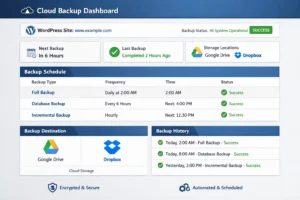
Every time someone visits your WordPress site without caching, WordPress executes PHP code, queries the database, assembles HTML, and sends it to the browser. On a shared server, this process might take 600ms to 2 seconds. With caching enabled, WordPress generates the page once, saves a static HTML file, and serves that file directly to the next visitor – no PHP, no database query, just a file delivery. That reduces load time to under 100ms.
That’s the core concept, but modern caching plugins do much more than static HTML caching. They minify and combine CSS and JavaScript files, compress images on delivery, implement lazy loading, set browser cache expiration headers, integrate with CDNs, and handle cache invalidation (clearing cached pages when content updates). The best plugins also detect if you’re logged in as an admin and serve the live site rather than cached files so you see real-time changes.
The right caching plugin is the single biggest performance improvement available to most WordPress sites. Before spending money on faster hosting, install a caching plugin and measure the difference – often it’s more impactful than a hosting upgrade.
Top WordPress Caching Plugins in 2026
1. WP Rocket – Best Premium Caching Plugin
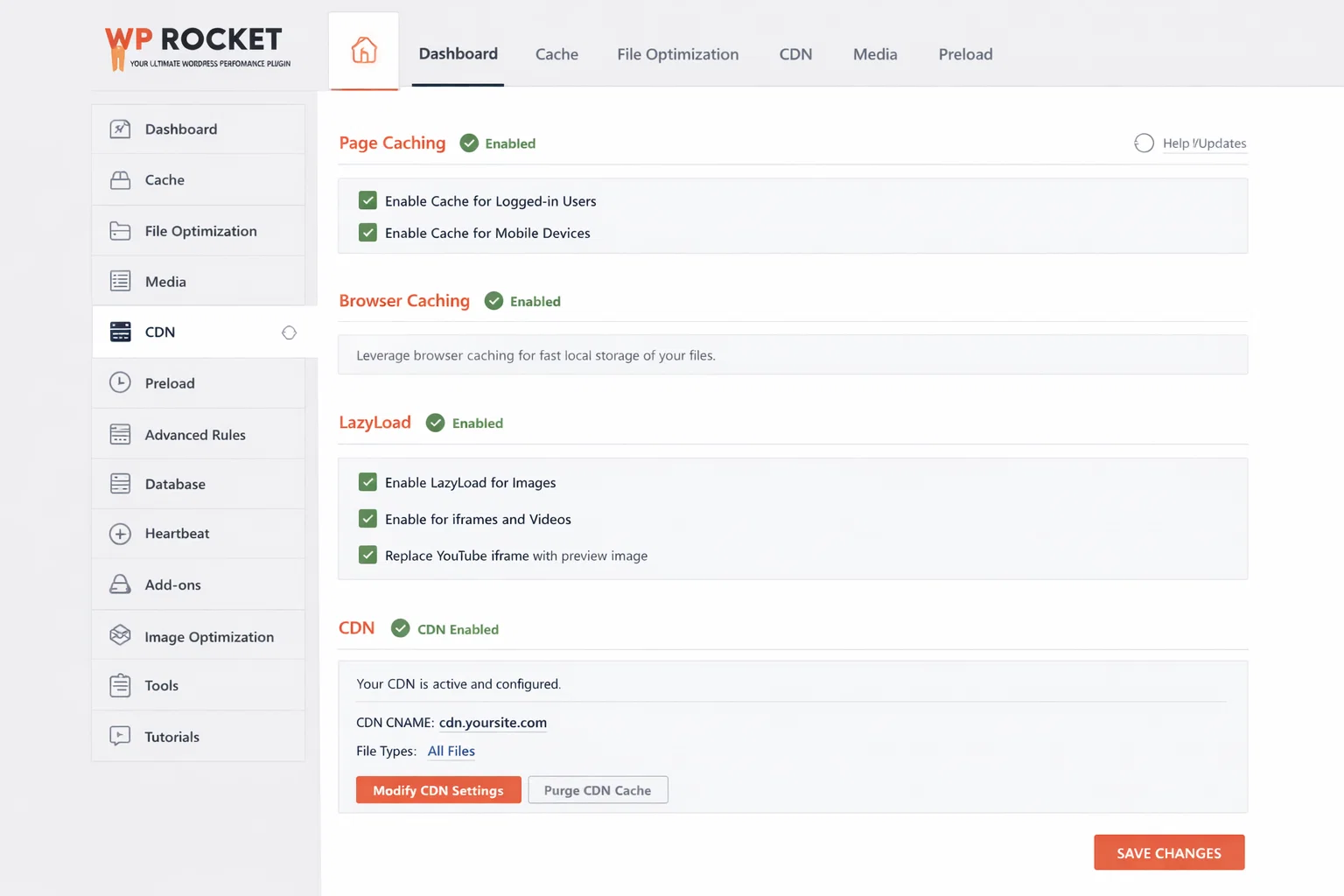
WP Rocket is the benchmark against which other caching plugins are measured. It’s the only major caching plugin that’s paid-only (no free version), and it earns that position by being the easiest to configure and most reliable in results. Page caching, browser caching, GZIP compression, CDN integration, database cleanup, lazy loading, CSS and JavaScript optimisation are all handled from a clean, well-organized dashboard with sensible defaults.
WP Rocket works well on every major hosting platform and requires almost no configuration to provide significant improvements. At $59 per year for one site, it’s a reasonable investment.
Cost: $59/yr | Page Cache: Excellent | JS/CSS Minify: Excellent | CDN Integration: Excellent
2. LiteSpeed Cache – Best Free Cache Plugin (LiteSpeed Servers)
If your hosting runs LiteSpeed server (SiteGround, A2 Hosting, NameHero, and many others), LiteSpeed Cache is the best available caching plugin – and it’s completely free. It integrates directly with the server-level LiteSpeed cache engine, which is faster than PHP-based caching alternatives. The feature set rivals WP Rocket: full page cache, image optimisation with WebP conversion, CSS/JS optimisation, CDN integration, and database cleanup.
The limitation: it’s specifically built for LiteSpeed servers. On Apache or Nginx hosting, it falls back to PHP-based caching which, while still functional, loses the server-level integration advantage.
Cost: Free | Page Cache: Excellent | JS/CSS Minify: Excellent | Best Match: LiteSpeed servers
3. W3 Total Cache – Best Free Plugin for Apache/Nginx
W3 Total Cache has been a WordPress caching standard for over a decade. It’s comprehensive – page caching, database caching, object caching, browser caching, CDN integration, minification – and works well on Apache and Nginx servers. The configuration can be complex, and the interface is less polished than WP Rocket, but for technical users who want free and comprehensive, W3TC delivers.
Cost: Free | Page Cache: Very Good | JS/CSS Minify: Good | Best Match: Apache/Nginx
4. WP Super Cache – Best Simple Free Cache Plugin
WP Super Cache is made by Automattic (WordPress’s parent company). It’s simple, reliable, and works on almost any hosting environment. The feature set is more limited than W3 Total Cache – primarily static file caching without the advanced CSS/JS optimisation – but for shared hosting sites that just need basic caching without complex configuration, WP Super Cache does the job well.
Cost: Free | Page Cache: Good | JS/CSS Minify: None | Best Match: Simple sites, any host
5. Autoptimize – Best Companion for CSS/JS Optimisation
Autoptimize is less of a full caching plugin and more of a CSS, JavaScript, and HTML optimisation plugin that works alongside a caching solution. It aggregates, minifies, and caches scripts and stylesheets, defers JavaScript, and can lazy-load images. It pairs particularly well with WP Super Cache or any other basic caching plugin that doesn’t include its own CSS/JS optimisation.
Cost: Free | Page Cache: No (use with other) | JS/CSS Minify: Excellent | Best Match: Any, as companion plugin
Cache Plugin Comparison Table
| Plugin | Cost | Page Cache | JS/CSS Minify | CDN Integration | Best Hosting Match |
|---|---|---|---|---|---|
| WP Rocket | $59/yr | Excellent | Excellent | Excellent | Any host |
| LiteSpeed Cache | Free | Excellent | Excellent | Good | LiteSpeed servers |
| W3 Total Cache | Free | Very Good | Good | Good | Apache/Nginx |
| WP Super Cache | Free | Good | None | Basic | Any host, simple sites |
| Autoptimize | Free | No (use with other) | Excellent | Basic | Any (as companion plugin) |
Which Cache Plugin for Which Hosting
| Hosting Provider | Server Type | Best Cache Plugin | Notes |
|---|---|---|---|
| SiteGround | LiteSpeed | LiteSpeed Cache | Built-in integration with SG Optimizer |
| WP Engine | Nginx + EverCache | WP Rocket or built-in | WP Engine has server-level caching built in |
| Kinsta | Nginx + Kinsta CDN | WP Rocket + Kinsta CDN | Kinsta’s own cache layer is excellent |
| Cloudways | Apache/Nginx/Vultr | WP Rocket or Breeze | Breeze is Cloudways’ own free plugin |
| A2 Hosting | LiteSpeed | LiteSpeed Cache | LiteSpeed optimised on all A2 plans |
| Bluehost/HostGator | Apache | WP Super Cache or W3TC | Basic shared hosting benefits from any caching |
PageSpeed Improvements You Can Expect
| Site Type | Before Caching (Typical) | After Caching (Typical) | Improvement |
|---|---|---|---|
| Standard WordPress Blog | 2.5 to 4 seconds | 0.8 to 1.5 seconds | 50 to 70% |
| Business Site with Page Builder | 4 to 7 seconds | 1.5 to 2.5 seconds | 50 to 65% |
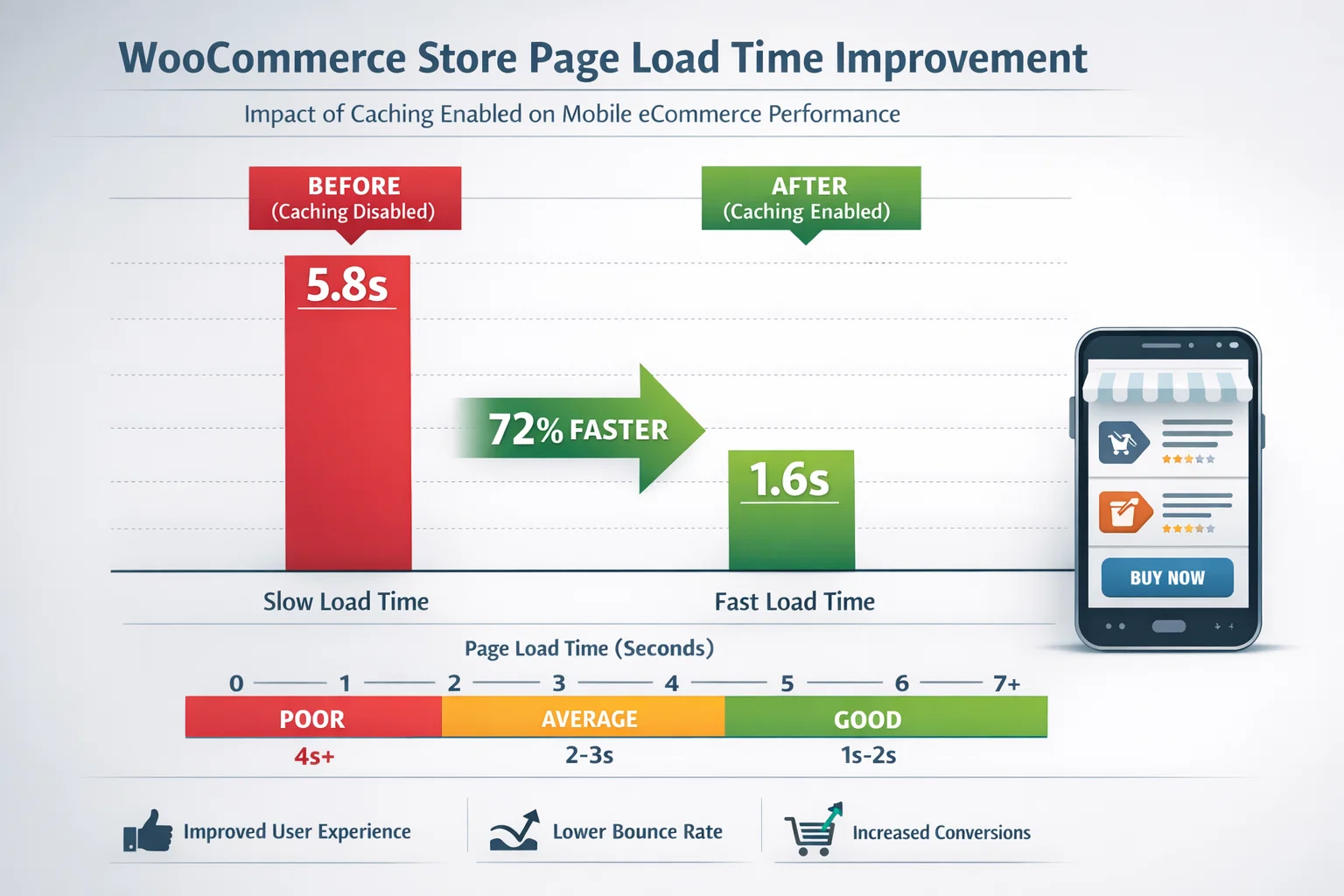
| WooCommerce Store | 5 to 10 seconds | 2 to 4 seconds | 40 to 60% |
| News/Magazine Site | 3 to 6 seconds | 1.2 to 2 seconds | 55 to 70% |
| Already Optimised Site | 1.5 to 2 seconds | 0.8 to 1.2 seconds | 20 to 40% |
Frequently Asked Questions
What’s the single biggest speed improvement I can make to my WordPress site?
Install a caching plugin. Before spending money on faster hosting or a CDN, caching alone typically reduces page load times by 50-70% on an uncached site. A standard WordPress blog loading in 3-4 seconds can drop to under 1 second with page caching enabled and basic minification configured.
Is WP Rocket worth paying for when free cache plugins exist?
For most users, yes. WP Rocket’s value is in its configuration quality and reliability, not features that free plugins can’t match on paper. It works correctly with sensible defaults out of the box – there’s almost nothing to configure. If you’ve spent hours troubleshooting broken CSS or JavaScript after enabling free cache plugin features, WP Rocket’s $59/year buys you that time back.
Can caching break my WordPress site?
Improperly configured caching can cause issues: forms showing stale nonce tokens, logged-in users seeing cached versions meant for logged-out visitors, or CSS and JavaScript conflicts from aggressive minification. The key is to enable features incrementally, test after each one, and properly exclude dynamic pages (cart, checkout, my-account) from caching.
Which caching plugin should I use with SiteGround hosting?
LiteSpeed Cache. SiteGround runs LiteSpeed servers, and LiteSpeed Cache integrates directly with the server-level cache engine – giving you better performance than any PHP-based caching plugin can achieve. If you’re on SiteGround specifically, you have a built-in advantage that makes LiteSpeed Cache the obvious choice over even WP Rocket.
Does caching work properly with WooCommerce?
Yes, but it requires specific configuration. Cart pages, checkout pages, and My Account pages must be excluded from page caching because they contain user-specific dynamic content. Most good caching plugins (WP Rocket, LiteSpeed Cache) detect WooCommerce and add these exclusions automatically. Product pages can be cached safely.