
Why Your Contact Form Plugin Matters More Than You Think
The contact form is often the final step between a visitor deciding to reach out and actually doing so. A form that’s confusing, slow to load, or broken on mobile loses leads that your content, ads, or SEO worked to bring to the page. Getting the form plugin right is worth the attention.
Beyond the basic contact form, the plugin you choose determines what’s possible for your site: multi-step forms for complex lead capture, payment collection for deposits or bookings, conditional logic that shows different fields based on previous answers, file upload for portfolio or application submissions, quiz forms, survey forms, and integrations with your CRM and email marketing tools.
In 2026, the best form plugins have also improved their spam protection significantly. reCAPTCHA v3, honeypot fields, and AI-based spam filtering have largely replaced the frustrating CAPTCHAs that used to make forms annoying for real humans to complete. Good spam protection is now invisible.
Top WordPress Contact Form Plugins
1. WPForms – Best Overall Contact Form Plugin
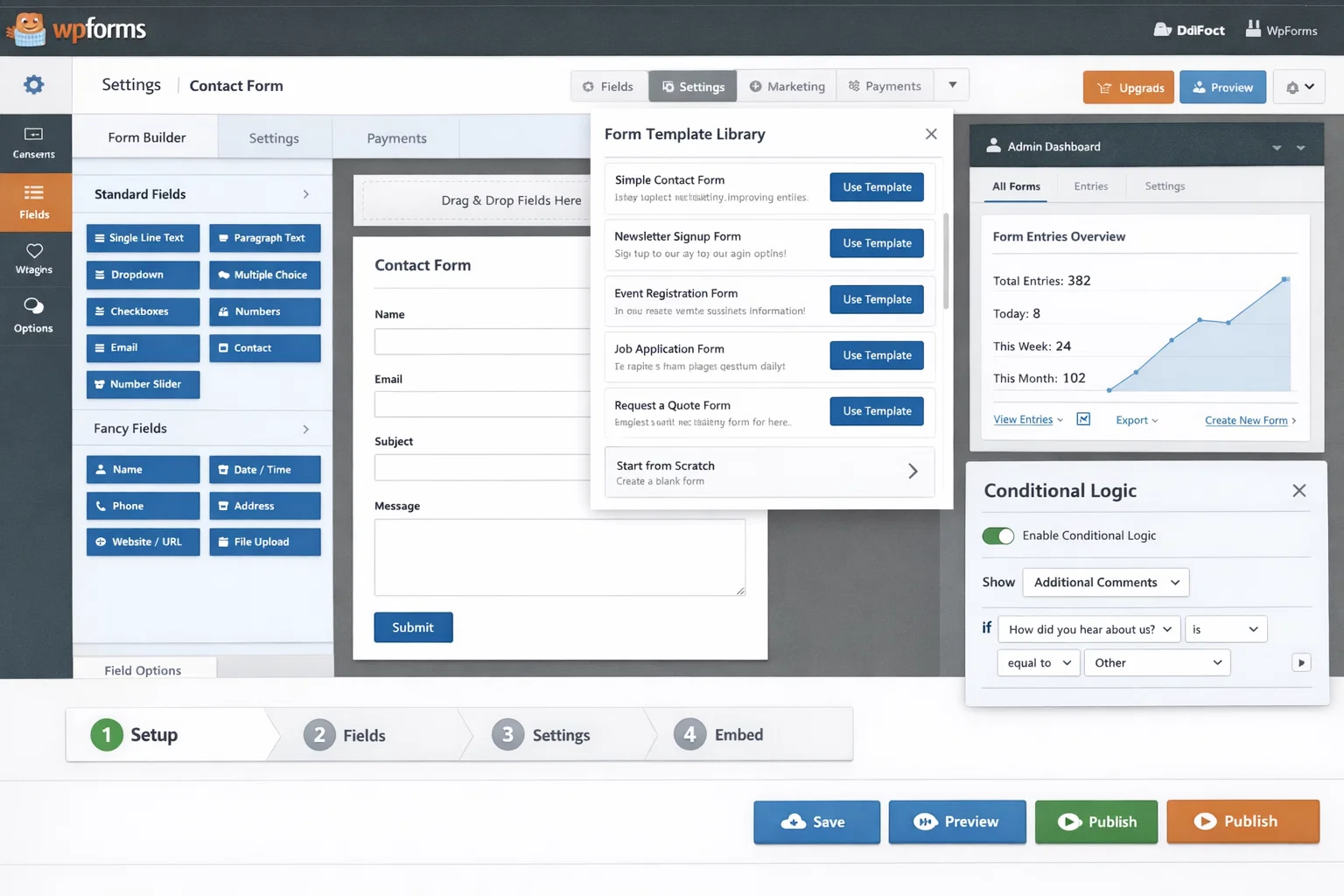
WPForms is the most popular WordPress form builder with over 6 million active installs. The drag-and-drop builder is genuinely intuitive – even first-time users can build a working form in minutes. The free version (WPForms Lite) includes a contact form, simple email form, and basic survey – enough for most small sites. The paid tiers add conditional logic, multi-page forms, payment integrations (Stripe, PayPal), form abandonment tracking, file uploads, and integrations with major email marketing platforms.
The template library with 1,500+ pre-built form templates is one of WPForms’ strongest points. Templates cover contact forms, job applications, donation forms, event registrations, restaurant reservations, and dozens of other use cases.
Free Version: Yes (Lite) | Conditional Logic: Paid | Payment Integration: Paid | Best for: Most WordPress sites
2. Gravity Forms – Best for Complex Workflows
Gravity Forms is the go-to choice for developers and agencies building complex form workflows. The conditional logic system is the most powerful available – you can show or hide fields, skip sections, change confirmation messages, and route notifications based on any combination of form field values. Add-ons extend this to payment gateways, CRM integrations, signature capture, post creation from form submissions, and quiz functionality.
Gravity Forms doesn’t have a free version, starting at $59 per year. For complex business processes that rely on form data, Gravity Forms provides the most control.
Free Version: No | Conditional Logic: Yes | Payment Integration: Add-ons | Best for: Complex workflows, developers
3. Fluent Forms – Best Value Form Plugin
Fluent Forms punches well above its price point. The free version includes more features than any comparable free form plugin – multi-column layouts, conditional logic (limited), file uploads, and 45+ field types. The Pro version adds payment processing, advanced conditional logic, quiz scoring, PDF submission, conversational forms, and deep integration with email platforms and CRMs. Fluent Forms Pro starts at $79 per year for unlimited sites.
Free Version: Yes (generous) | Conditional Logic: Free (limited) | Payment Integration: Pro | Best for: Value-focused sites
4. Contact Form 7 – Best for Minimalists
Contact Form 7 (CF7) is the original WordPress contact form plugin with over 10 million active installs. It’s free, lightweight, and does exactly one thing: basic HTML forms sent via email. There’s no visual builder – you write forms in a shortcode-like markup language. For developers comfortable with that approach, it’s a lean, dependency-free solution. For most users, WPForms Lite provides a better experience with minimal additional overhead.
Free Version: Yes | Conditional Logic: Via add-on | Payment Integration: Via add-on | Best for: Minimalists, developers
5. Formidable Forms – Best for Data-Driven Applications
Formidable Forms is uniquely powerful for sites that need to display form submission data publicly – directory listings, calculators, real estate listings pulled from a form database, or community submission sites. The Views feature lets you query form submissions and display them in tables, lists, or maps on your front-end. If your use case involves capturing structured data and displaying it back to visitors, Formidable Forms handles it in ways other form plugins can’t.
Free Version: Yes (limited) | Conditional Logic: Paid | Payment Integration: Paid | Best for: Data display applications
Contact Form Plugin Comparison
| Plugin | Free Version | Conditional Logic | Payment Integration | Best For |
|---|---|---|---|---|
| WPForms | Yes (Lite) | Paid | Paid (Stripe, PayPal) | Most WordPress sites |
| Gravity Forms | No | Yes | Add-ons | Complex workflows, developers |
| Fluent Forms | Yes (generous) | Free (limited) | Pro | Value-focused sites |
| Contact Form 7 | Yes | Via add-on | Via add-on | Minimalists, developers |
| Formidable Forms | Yes (limited) | Paid | Paid | Data display applications |
Form Types You Can Build with These Plugins
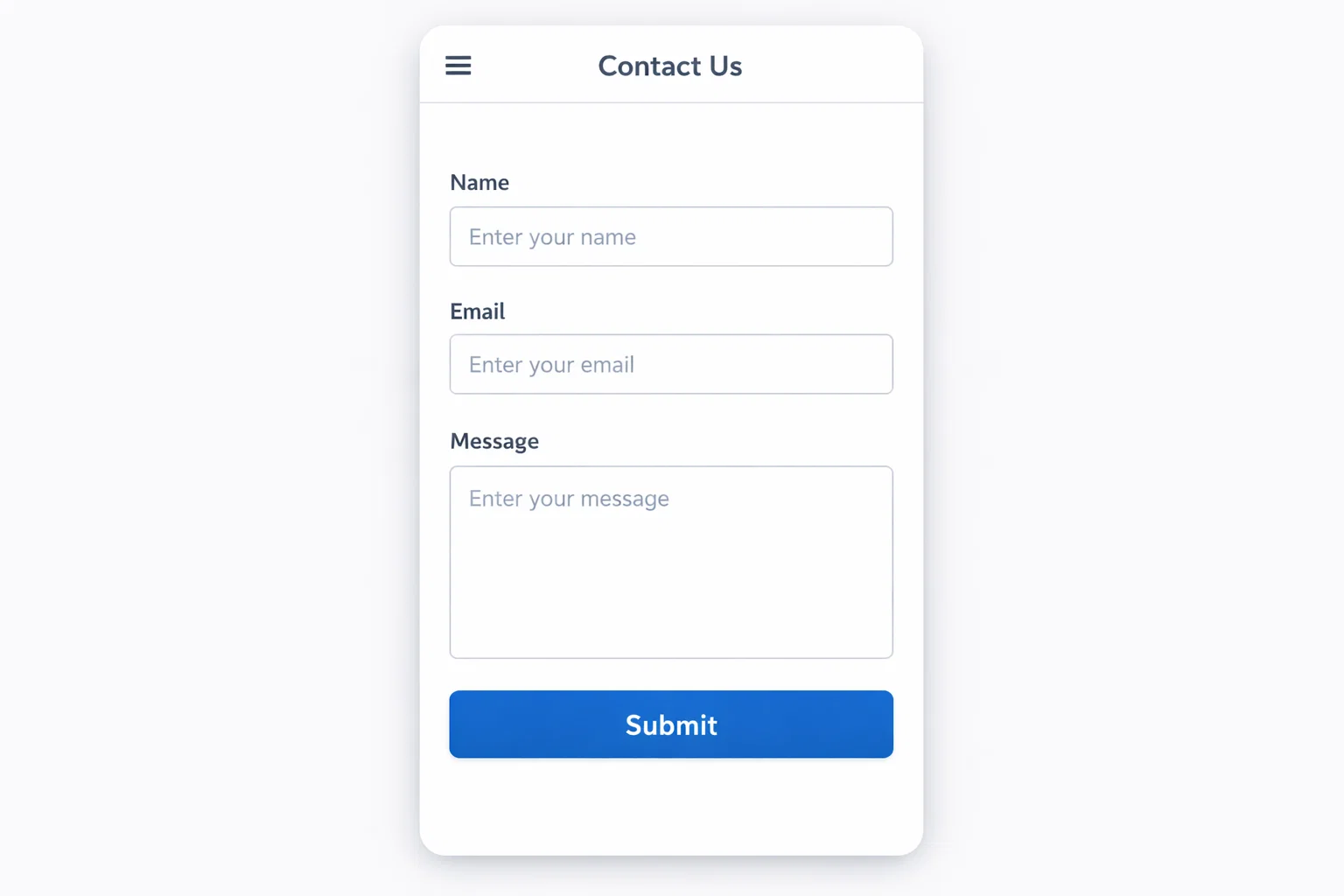
- Standard contact form – name, email, message, submit
- Multi-step lead capture – breaks long forms into stages to reduce abandonment
- Appointment booking form – with date picker, time slot selection, and service choice
- Job application form – with resume upload, cover letter textarea, and experience fields
- Event registration form – with ticket quantity, attendee details, and payment
- Survey or quiz form – with radio buttons, rating scales, and conditional question routing
- Quote request form – product/service selection with file upload for specifications
- Newsletter signup form – integrated directly with Mailchimp, ConvertKit, or FluentCRM
GDPR and Email Compliance for Contact Forms
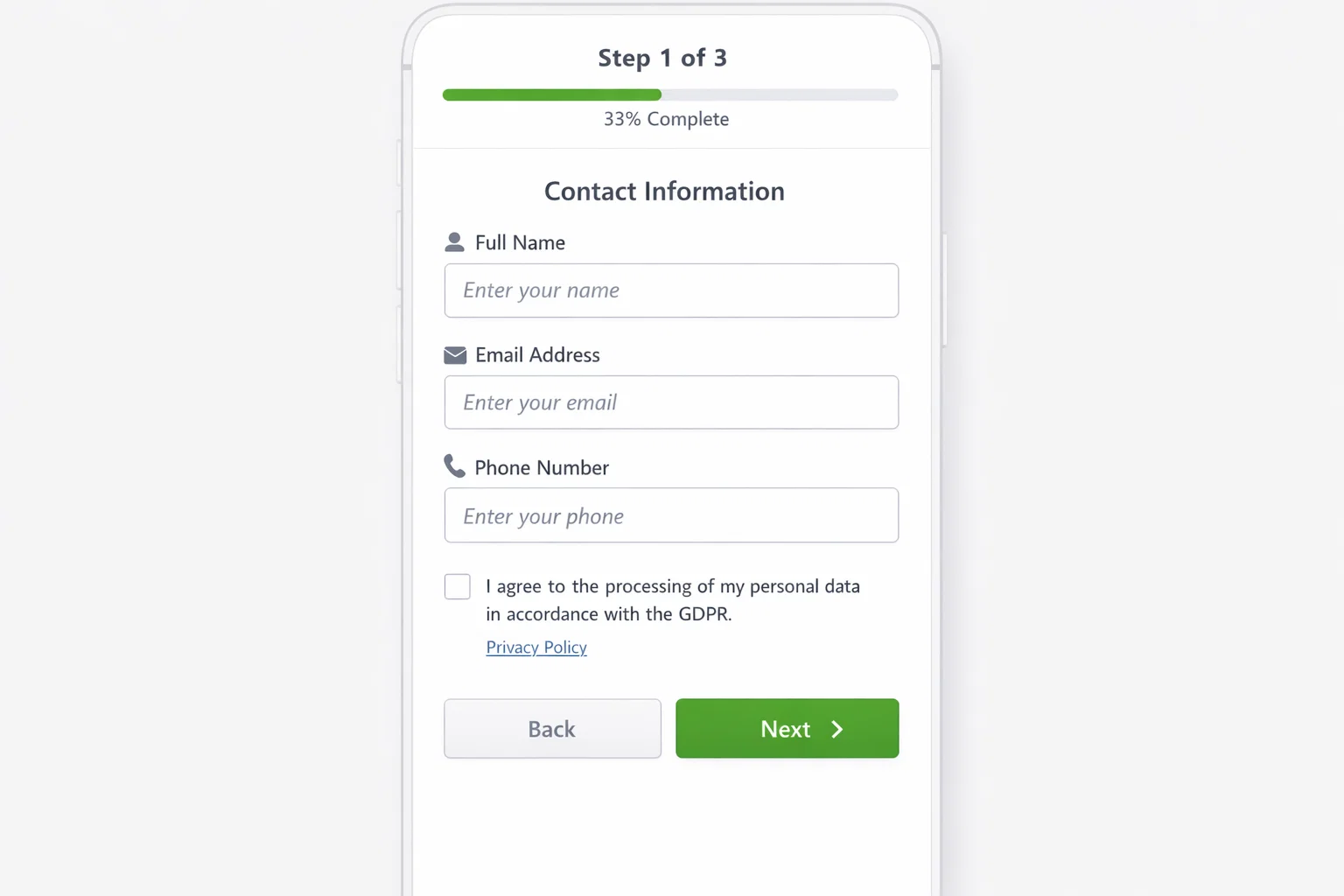
- Include a checkbox for consent to data processing – the checkbox must be unchecked by default
- Link to your privacy policy from the form
- Store submissions in your WordPress database (not just send to email) so you have a record of consent
- Provide a way for users to request deletion of their form submission data
- Use a GDPR-compliant SMTP service for sending form notifications
Conversion Tips for Contact Forms
- Keep it short – every additional field reduces completion rate by roughly 5%
- Show a confirmation message immediately after submission
- Send an auto-reply to the submitter – confirms receipt and sets expectations for response time
- Place the form above the fold on your contact page
- Add a phone number alternative near the form
- Test your form on mobile before going live
Frequently Asked Questions
What’s the best free contact form plugin for WordPress?
WPForms Lite and Fluent Forms free are the strongest free options in 2026. WPForms Lite is the most polished and beginner-friendly – drag-and-drop builder, good templates, and reliable email delivery. Fluent Forms free gives you more field types and basic conditional logic at no cost, making it the better free pick if you need slightly more advanced functionality.
Why is my WordPress contact form not sending emails?
This is the most common contact form problem, and it’s almost never the form plugin’s fault. WordPress sends email via PHP mail() by default, which most hosting providers block or which major email providers reject as spam. The fix: install an SMTP plugin (WP Mail SMTP is the most popular) and connect it to a transactional email service like Gmail, SendGrid, or Mailgun.
Do I need a contact form with CAPTCHA to stop spam?
You need spam protection, but visible CAPTCHAs hurt form completion rates. Modern spam protection has moved to invisible methods: honeypot fields, reCAPTCHA v3, and Cloudflare Turnstile. WPForms and Fluent Forms both support these invisible methods – enable them instead of a traditional CAPTCHA.
What’s the difference between WPForms and Gravity Forms?
WPForms is built for accessibility and ease of use – anyone can build a working form in minutes, and the paid plans cover most business needs cleanly. Gravity Forms is built for developers and complex workflows – its conditional logic system is the most powerful available, and its add-on ecosystem is extensive. WPForms is the better choice for most site owners; Gravity Forms is the right choice when you’re building business-critical processes that depend on sophisticated form logic.
Can I collect payments through a WordPress contact form?
Yes – WPForms (Pro), Gravity Forms (with Stripe add-on), and Fluent Forms (Pro) all support payment collection via Stripe and PayPal. This is useful for booking deposits, consultation fees, event registrations, and simple product orders. For a full ecommerce setup with inventory and shipping, WooCommerce is the better foundation.
Is Contact Form 7 still worth using in 2026?
For developers who are comfortable writing shortcode-style form markup: yes, it’s lean and dependency-free. For everyone else, WPForms Lite or Fluent Forms free offer a better experience with minimal additional overhead. CF7’s biggest ongoing weakness is email deliverability – it relies on PHP mail() by default and needs a separate Flamingo plugin to store submissions, both of which require extra configuration that modern alternatives handle automatically.