
Why Your WooCommerce Theme Affects Sales
Every second your WooCommerce store takes to load costs you money. Studies consistently show that a one-second delay in page load time reduces conversions by around 7%. For a store doing $10,000 per month, that’s $700 in monthly revenue from a single second. Your theme is the single biggest factor in how fast your store loads.
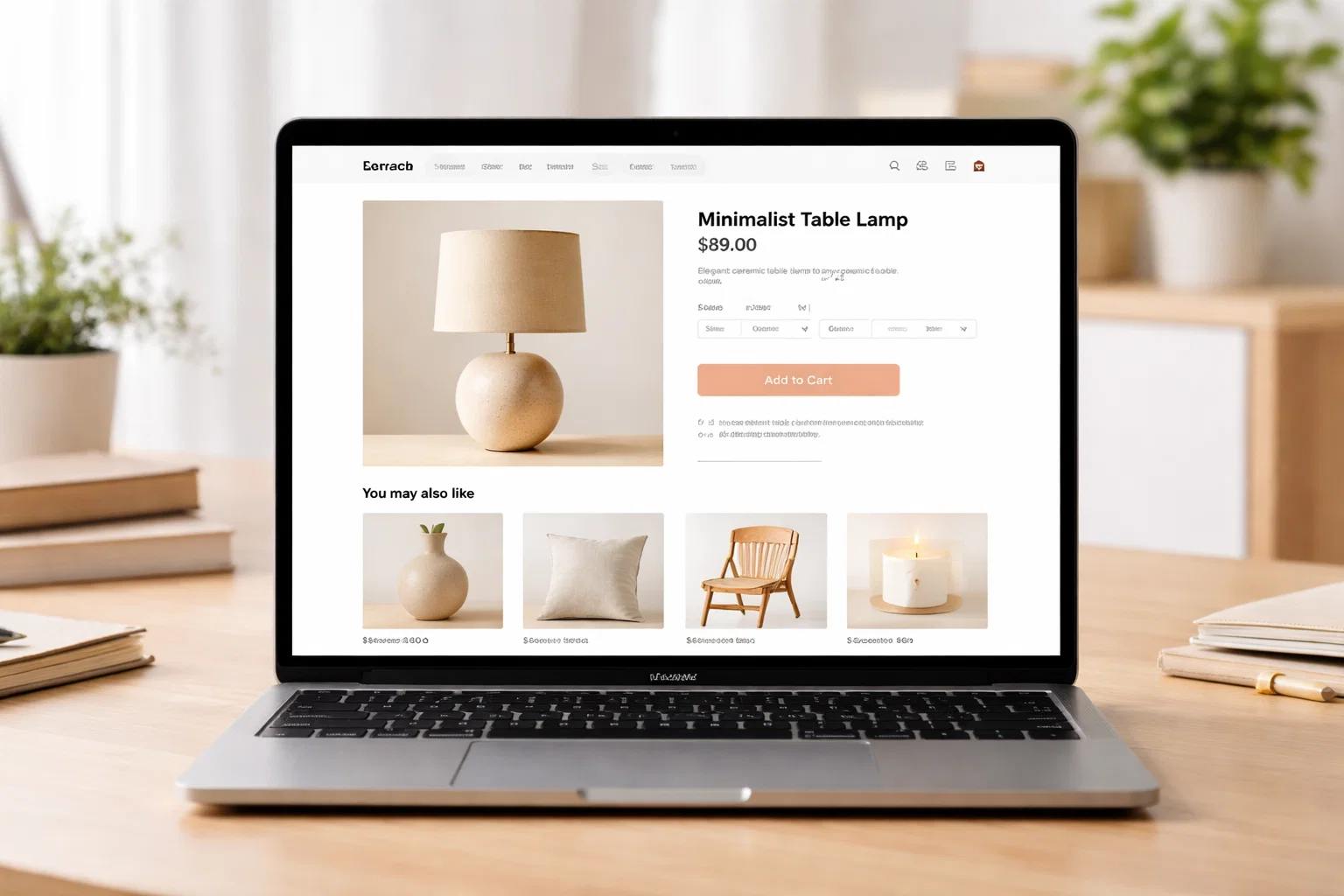
Beyond speed, your theme determines how product pages look, how easy it is to navigate categories, how the cart and checkout experience flows, and whether customers on mobile have a good enough experience to actually complete a purchase. These aren’t small details – they’re the difference between a store that converts at 2% and one that converts at 4%.
In 2026, WooCommerce has matured significantly. The block-based product editor, the Checkout block, and improved template customisation mean that your theme and WooCommerce work together more tightly than ever. Choosing a theme built with WooCommerce in mind – rather than one that just technically supports it – makes the whole experience better.
Best WooCommerce Themes in 2026
1. Flatsome – Best Overall WooCommerce Theme
Flatsome has been the best-selling WooCommerce theme on ThemeForest for several years. The UX Builder – Flatsome’s visual drag-and-drop tool – gives you control over product pages, category pages, and the shop layout in a way that most themes simply don’t. The Live Search feature, sticky header with cart icon, and wishlist functionality are all included. Performance is solid for a feature-rich theme, and the design aesthetic is clean and professional.
The one-time pricing model (no annual renewal) makes it particularly attractive for established stores. Updates continue for life; support is included for one year.
Mobile Score: 72 (improves significantly with caching) | Price: $59 one-time | Best for: Any type, mid-large stores
2. Botiga – Best Free WooCommerce Theme
Botiga is purpose-built for WooCommerce and offers one of the best free WooCommerce themes available. The product layouts are genuinely conversion-focused – quick view buttons, wishlist functionality, off-canvas filters, and clean product grid options all work in the free version. The Pro upgrade adds more product card styles, an advanced checkout design, and additional layout options.
If you’re starting a WooCommerce store on a budget, Botiga is significantly better than the typical free WooCommerce option.
Mobile Score: 92 | Price: Free / Pro available | Best for: Small-medium budget stores
3. OceanWP – Best Free Multipurpose WooCommerce Theme
OceanWP is the most popular free WooCommerce-friendly theme that isn’t specifically built just for ecommerce. The WooCommerce integration is comprehensive – cart popup, product quick view, floating add-to-cart button – and the Ocean Extra companion plugin adds more features for free. The design is neutral enough to work with any brand, and it pairs well with Elementor for custom page building.
Mobile Score: 88 | Price: Free / Pro available | Best for: Multipurpose stores
4. Astra Pro + WooCommerce Booster – Best WooCommerce Feature Set
Astra’s WooCommerce Booster (part of the Pro plan) is among the most comprehensive WooCommerce tools available in a theme. You can customise every aspect of the product page – image gallery style, tab layout, related products display, add-to-cart button style – plus the checkout page layout, cart page design, and shop grid. For stores that want deep WooCommerce customisation without a dedicated plugin, Astra Pro is hard to beat.
Mobile Score: 94 | Price: $47/yr+ | Best for: Customisation-heavy stores
5. Storefront – Best for Pure WooCommerce Reliability
Storefront is WooCommerce’s official theme. It’s built by the WooCommerce team and is guaranteed to be compatible with every WooCommerce update, every WooCommerce extension, and every WooCommerce block. It’s not the most visually distinctive option, but it’s the most reliable one – particularly useful for stores running unusual WooCommerce extensions that might have compatibility issues with third-party themes.
Mobile Score: 90 | Price: Free | Best for: Reliability-first stores
6. Porto – Best for Large WooCommerce Catalogs
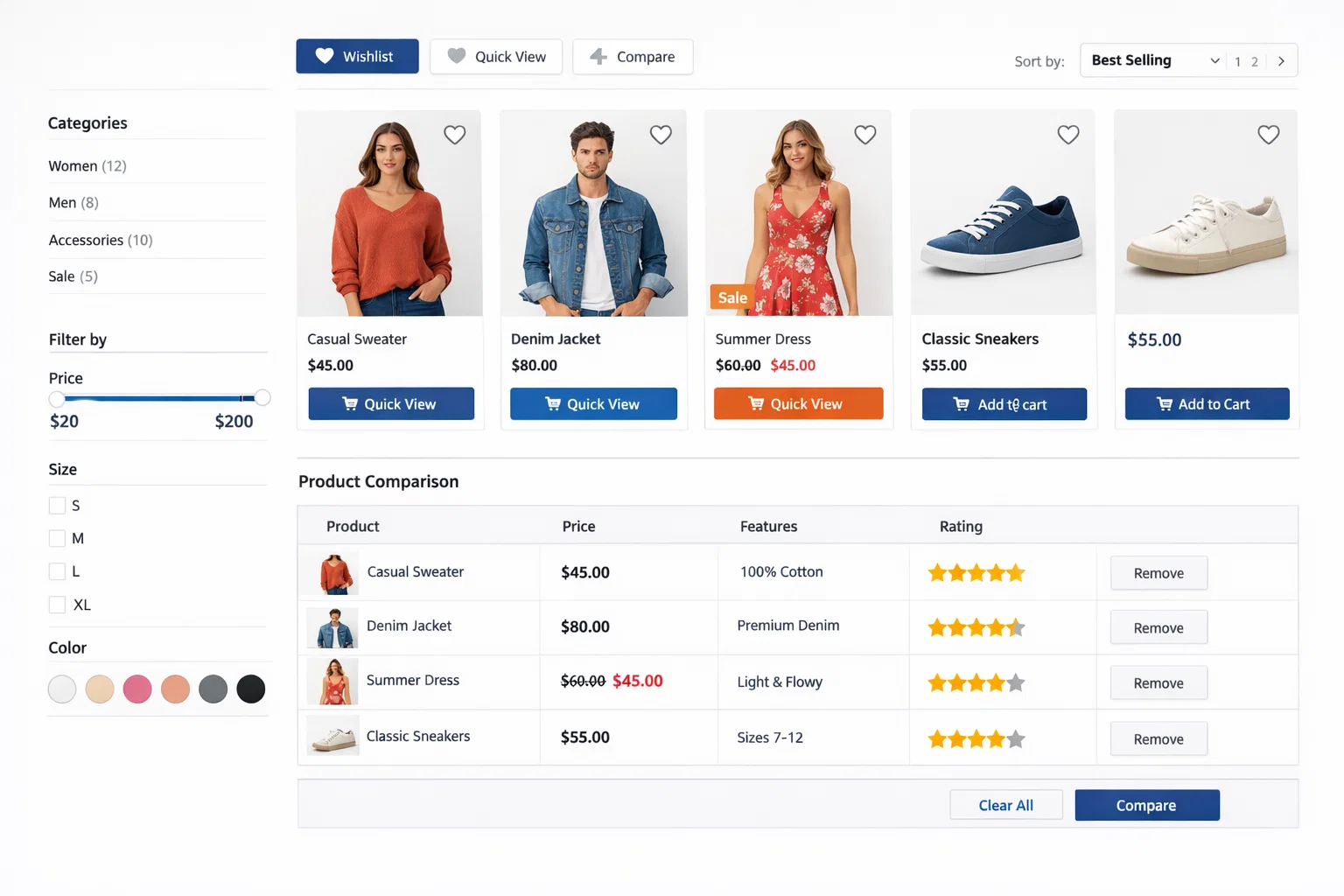
Porto is a premium theme built for serious ecommerce with large product catalogs. It includes an AJAX-powered filter sidebar, advanced category mega menus, multiple shop layout options (grid, list, masonry), a wishlist feature, product comparison table, and comprehensive quick-view functionality. The theme is heavier than some alternatives but provides features that other themes need extra plugins to match.
Mobile Score: 76 (with caching) | Price: $59 one-time | Best for: Large catalogs
7. Woodmart – Best WooCommerce Theme for Boutique Stores
Woodmart hits the intersection of visual elegance and ecommerce functionality. The AJAX shop navigation, off-canvas filters, product hotspot images, and premium product sliders make it particularly good for boutique stores – fashion, home goods, beauty, and lifestyle products. The Instagram feed integration and wishlist feature are well-executed touches that work right out of the box.
Mobile Score: 80 | Price: $59 one-time | Best for: Boutique and fashion stores
WooCommerce Theme Comparison Table
| Theme | Price | Mobile Score | Product Page Control | Best Store Type |
|---|---|---|---|---|
| Flatsome | $59 one-time | 72* | Excellent | Any Type, Mid-Large Stores |
| Botiga | Free / Pro | 92 | Good | Small-Medium Budget Stores |
| OceanWP | Free / Pro | 88 | Good | Multipurpose Stores |
| Astra Pro | $47/yr+ | 94 | Excellent | Customisation-Heavy Stores |
| Storefront | Free | 90 | Basic | Reliability-First Stores |
| Porto | $59 one-time | 76* | Very Good | Large Catalogs |
| Woodmart | $59 one-time | 80 | Very Good | Boutique / Fashion Stores |
* Scores improve significantly with a caching plugin and image optimisation
Product Page Design That Converts
| Design Element | Conversion Impact | Look For In Themes |
|---|---|---|
| Large, zoomable images | Very High | Gallery with zoom, multiple angles |
| Prominent Add to Cart button | Very High | Sticky ATC on mobile, high-contrast color |
| Price near the top | High | Price visible without scrolling |
| Short product description first | High | Tabs for detailed specs below |
| Trust badges near CTA | Medium | Theme supports custom content near ATC |
| Related products | Medium | Configurable related product grid |
| Reviews visible | High | WooCommerce reviews prominent, not hidden |
| Stock indicator | Medium | Low stock urgency messaging support |
Mobile Shopping Experience Checklist
- Add to cart button is thumb-reachable – positioned in the lower half of the mobile screen
- Product images are touch-swipeable – swipe through gallery on mobile
- Size/variation selectors are large enough to tap without zoom
- Checkout fields are properly labelled for mobile keyboard types
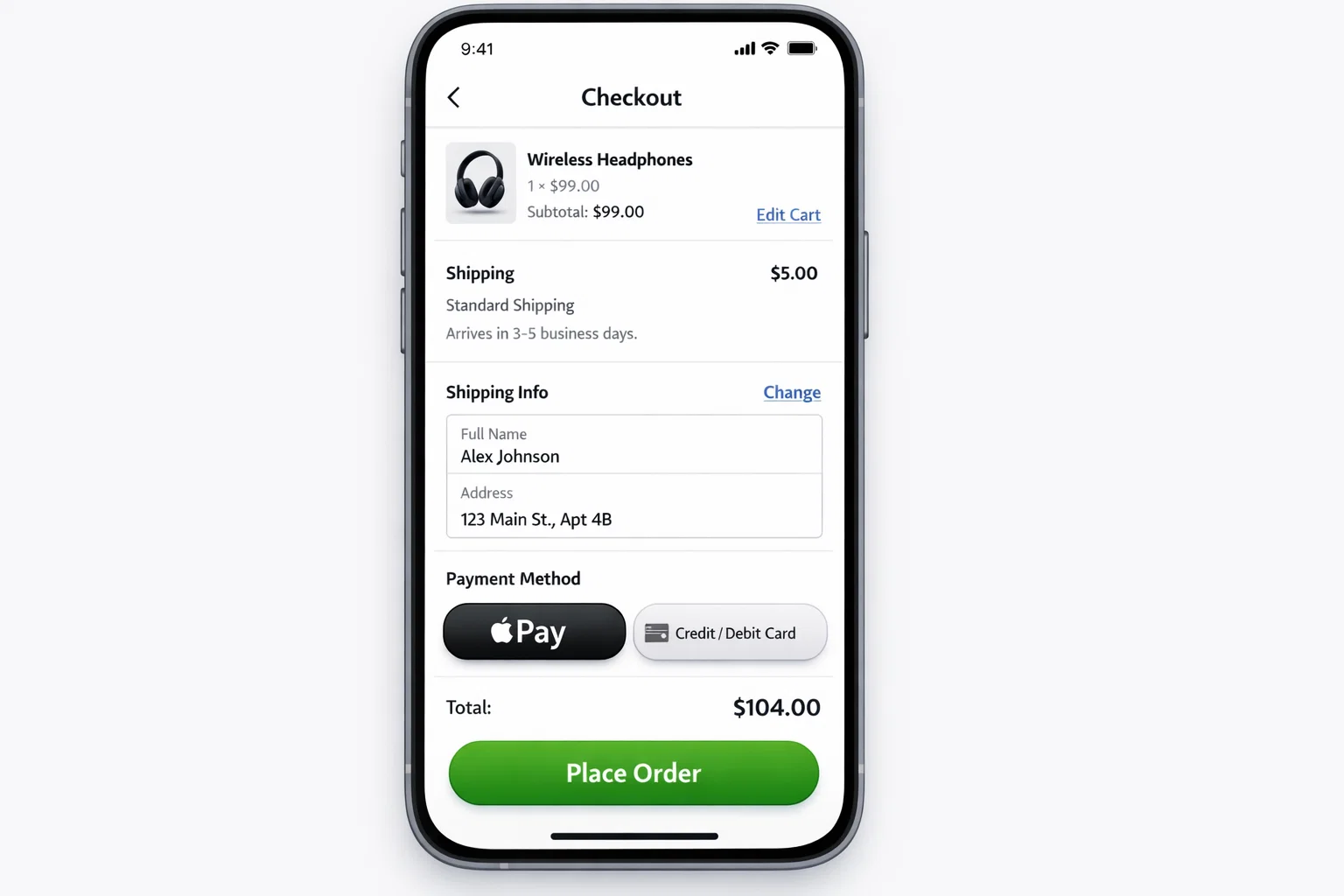
- Guest checkout is prominent – many mobile shoppers won’t create accounts
- Load time under 3 seconds on mobile – test with Google PageSpeed Mobile
- Apple Pay / Google Pay visible at checkout if supported
Free vs Premium WooCommerce Themes
The argument for a free WooCommerce theme is simple: Storefront and Botiga both give you a functional, professional store without spending a penny. If you’re just starting out or testing a product concept, there’s no reason to invest in a premium theme upfront.
Premium WooCommerce themes earn their cost when you need: advanced product page layouts, custom checkout design, built-in wishlist or product comparison features, off-canvas filter navigation for large catalogs, or dedicated WooCommerce support. Most established stores find the $59 one-time cost of Flatsome or Woodmart pays back quickly through improved conversion rates.
Frequently Asked Questions
Does my WooCommerce theme affect SEO?
Yes, primarily through page speed and Core Web Vitals. Product pages loaded with heavy theme scripts load slowly, which hurts your Google rankings and reduces conversion rates simultaneously. The lightest WooCommerce themes (Astra + WooCommerce Booster, Botiga) give you the best combination of features and performance.
Can I customise WooCommerce product pages in any theme?
To varying degrees, yes. Basic WooCommerce themes let you change colours and fonts. Themes like Astra Pro and Flatsome give you drag-and-drop control over the product page layout. For the deepest customisation, some stores use a page builder like Elementor Pro with its WooCommerce builder, which lets you design product pages visually from scratch.
Which WooCommerce theme is best for fashion stores?
Woodmart and Flatsome are both excellent for fashion. Woodmart has the more visually refined aesthetic with strong image-focused layouts, product hotspots, and lookbook features. Flatsome offers more overall flexibility and a very active user community.
Do I need a WooCommerce-specific theme, or can any theme work?
Technically any theme can work with WooCommerce, but themes built with WooCommerce in mind give you a much better experience. Generic themes often have poor product page layouts, broken checkout styles, and no cart widget – things that take extra work to fix. Starting with a WooCommerce-optimised theme saves significant setup time.
How do I speed up my WooCommerce store?
Start with a lightweight theme (Astra, Botiga, or Kadence), add a caching plugin (WP Rocket or W3 Total Cache), optimise your product images (Smush or ShortPixel), use a CDN (Cloudflare works well with WooCommerce), and disable any plugins you’re not actively using. A well-optimised WooCommerce store should load in under 2 seconds.
What WooCommerce theme works best with Elementor?
Hello Elementor (blank canvas) combined with Elementor Pro’s WooCommerce builder gives you the most design freedom for custom product pages. OceanWP also integrates well with Elementor and provides WooCommerce-specific layout options alongside the page builder.